




By roleThe job: Human resourcesHeld by: you
How human resources uses Intelligence.
First, the plain part. There is no HR module. Intelligence is not an applicant tracking system and it doesn’t run payroll. But a lot of HR work is writing. Much of the rest is answering the same questions again, and keeping a new hire’s first weeks from falling apart. This page shows how Intelligence helps with those three jobs.
In a small company the founder or the office manager does HR on the side. The platform takes the writing and the repeat questions off that person’s desk, and the onboarding list only has to be built once. There is no HR module, and the conversations that matter stay with a person. See what it takes over.
Demo workspace. Invented brand and figures.
The tools HR opens most.
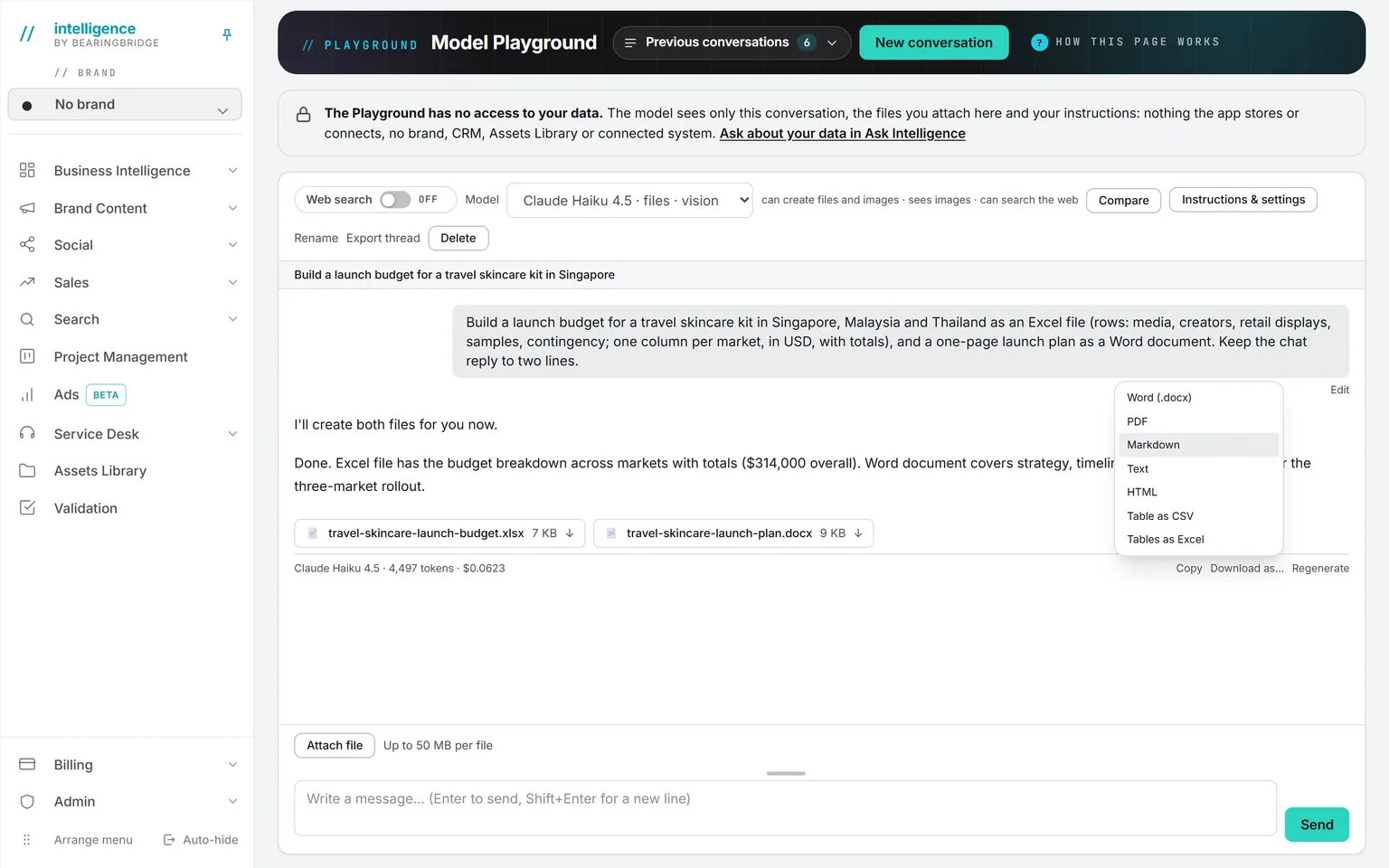
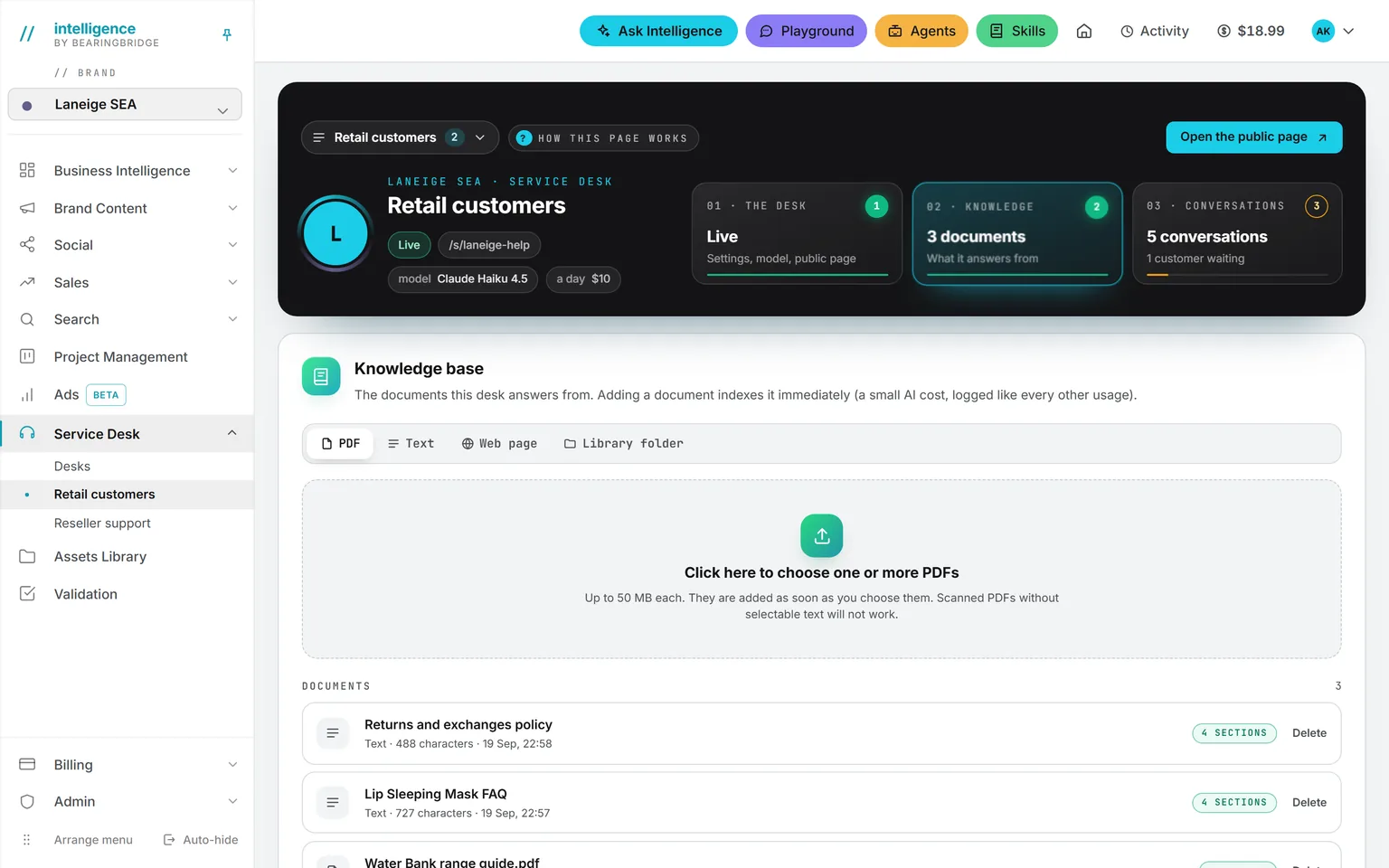
Start with the Playground, a plain chat with the models your administrator allows. Attach the old job description as a Word file and ask for a clearer one, or ask for an interview guide with 10 questions for a sales role. It can hand the result back as a Word document. The Playground never reads your company data, only the conversation and the files you attach.
See the page →A skill makes those drafts sound like you. It’s a page of instructions the AI follows. Write one called “Job posting” with your structure, your tone, and the legal lines you always include, then tick the Playground as a place where it applies. Every draft there starts from your rules.
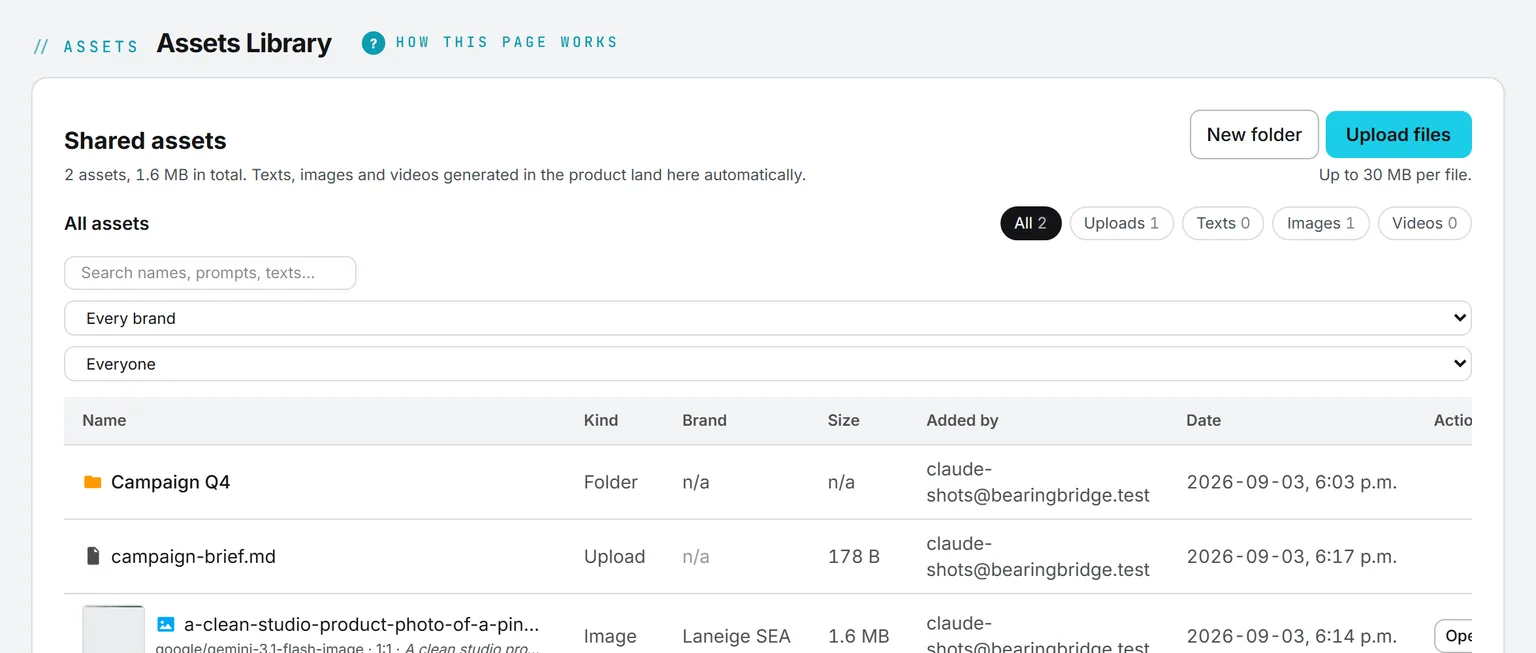
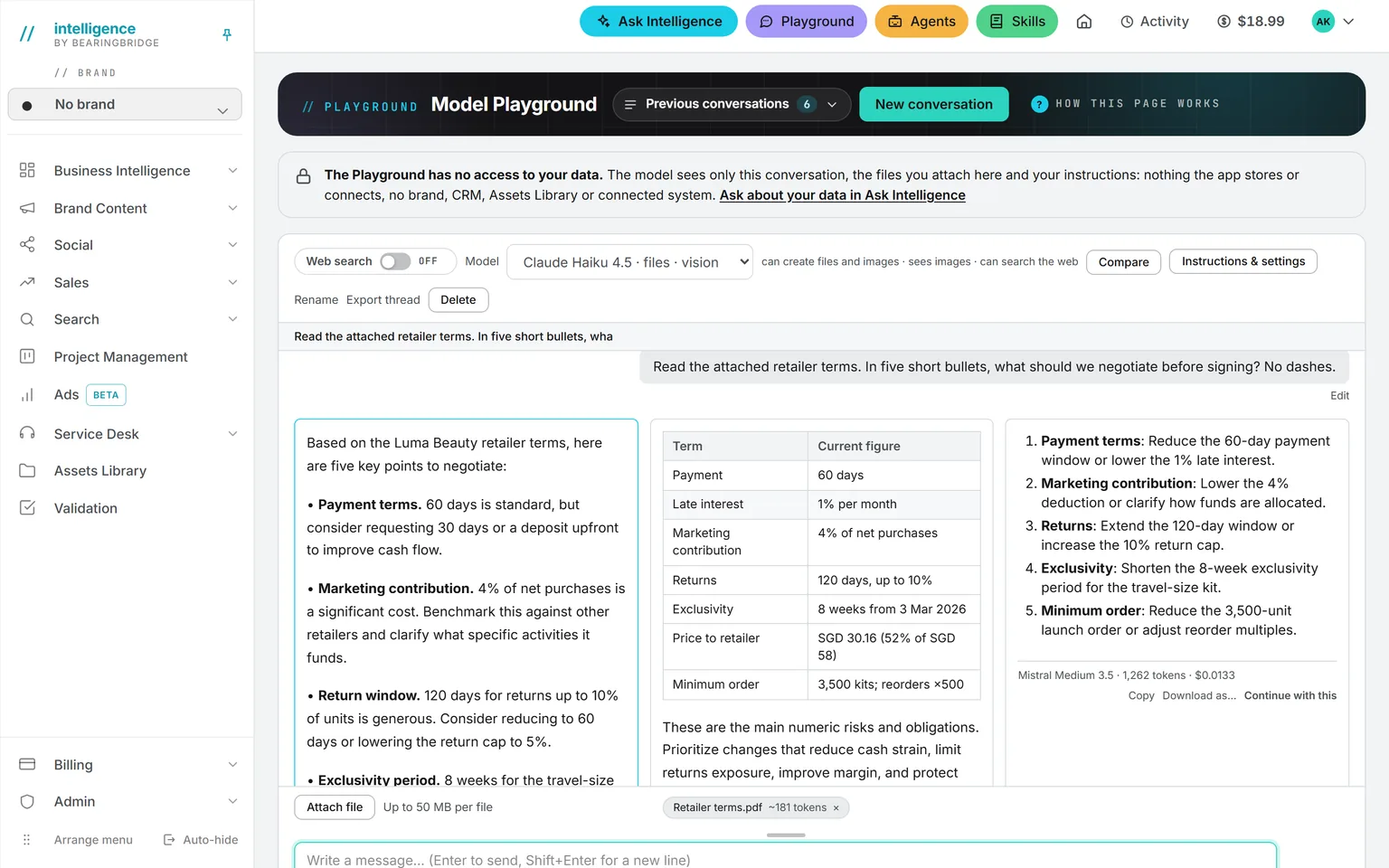
See the page →Policy questions go to the Assets Library and Ask Intelligence together. Put the employee handbook, the leave policy, and the expense rules in one library folder. Any employee can then open Ask Intelligence, type @ to point at the folder, and ask. The answer cites the document by name, so the employee can check it. If the handbook doesn’t say, the answer says so.
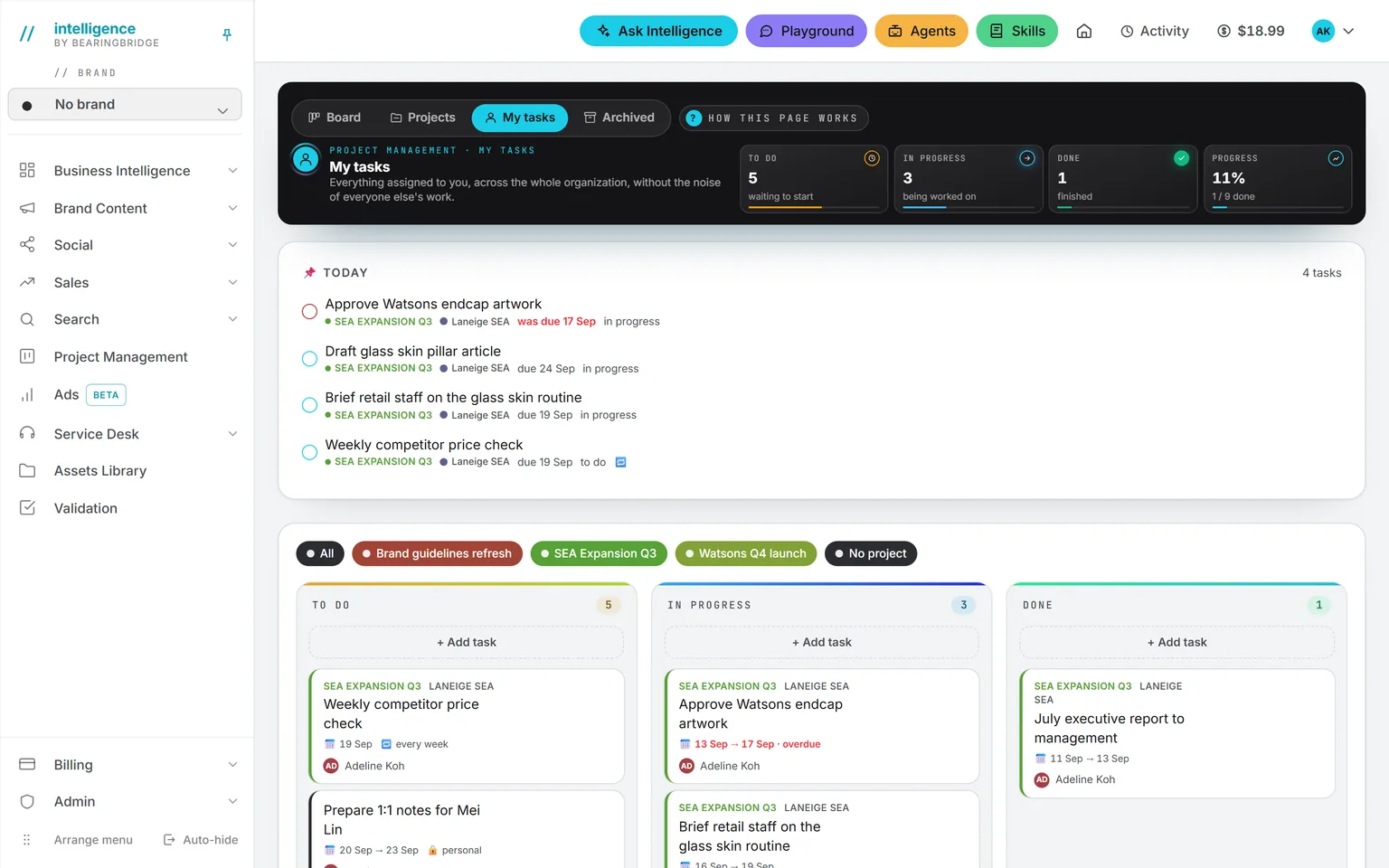
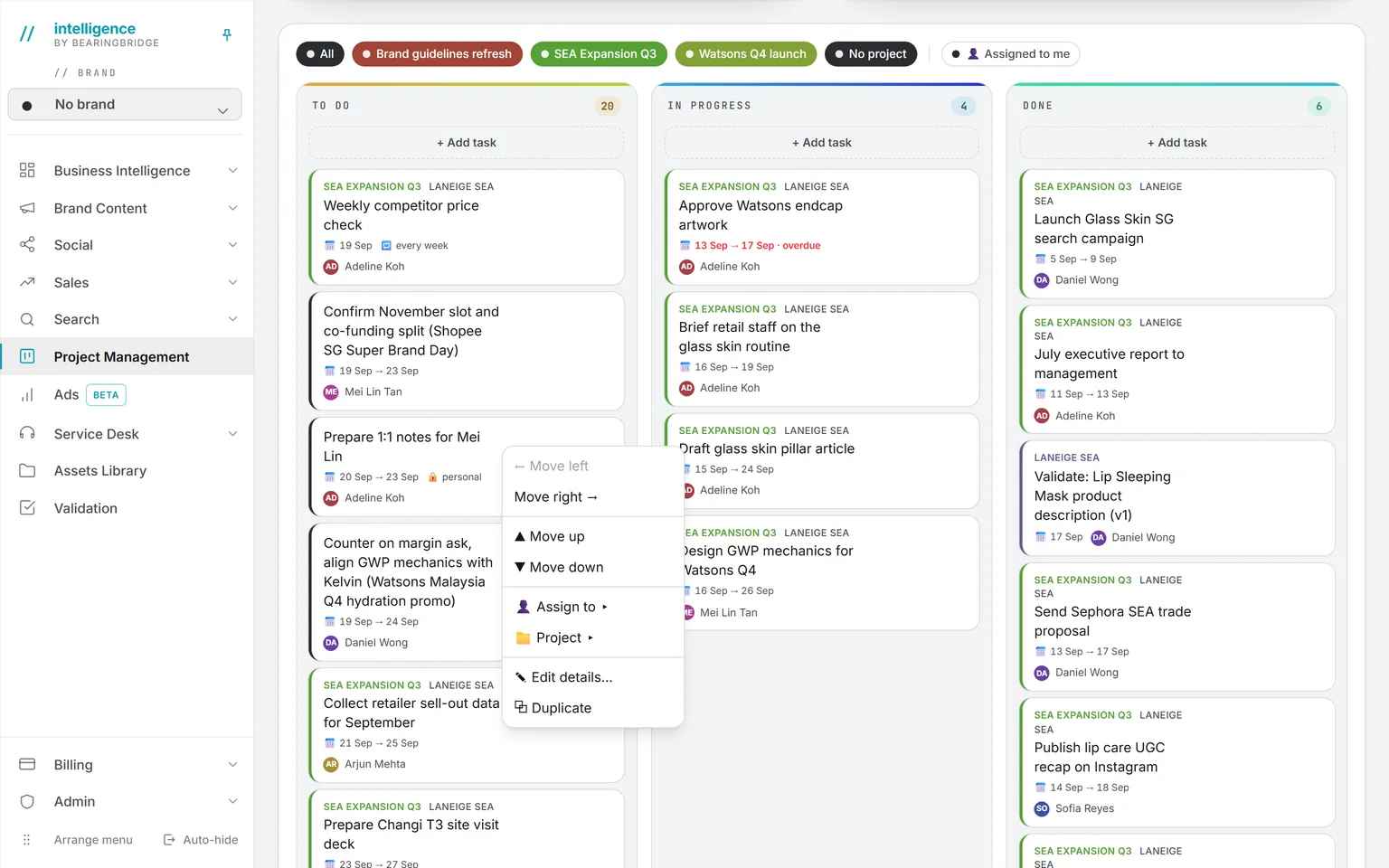
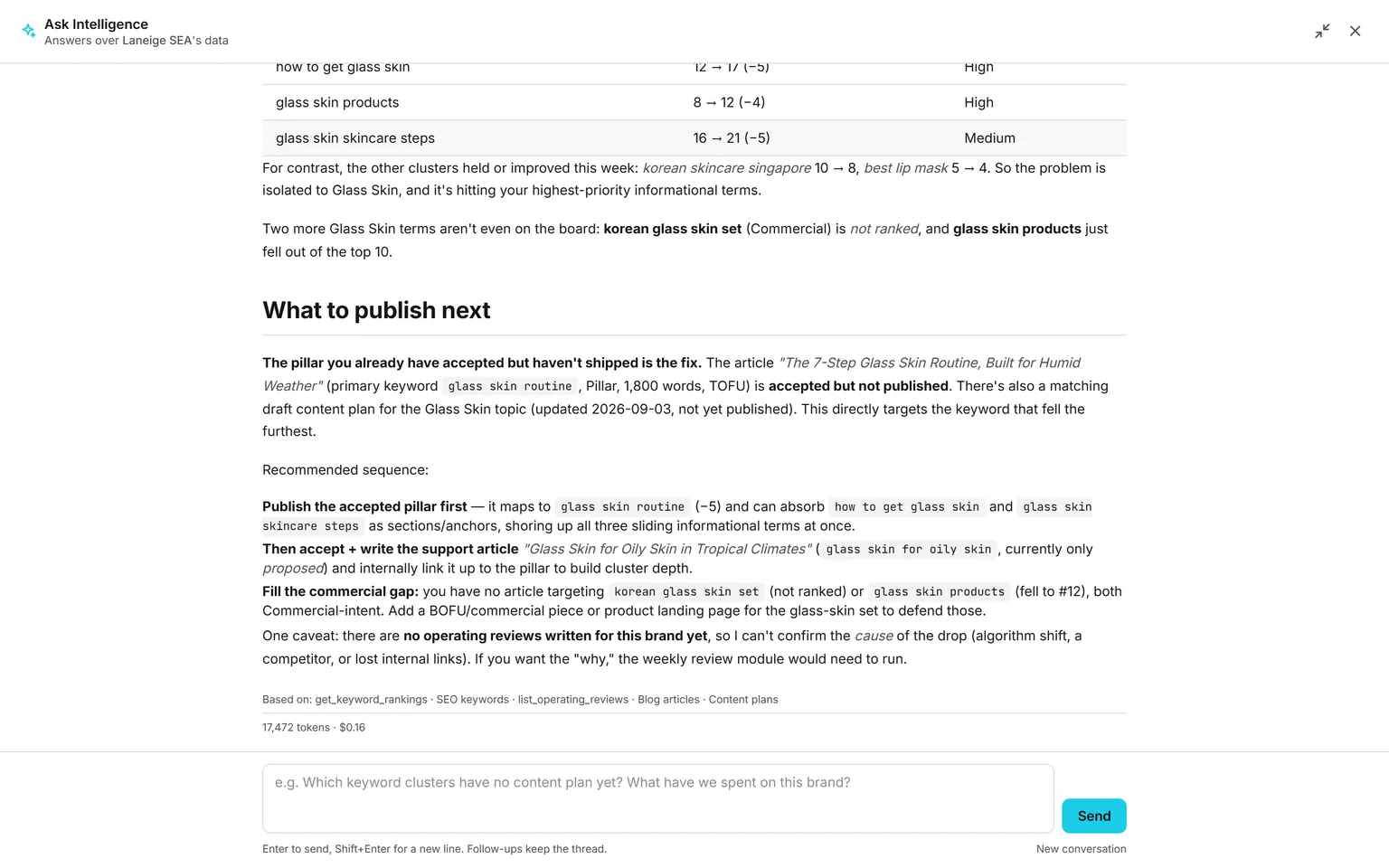
See the page →Onboarding lives in Project Management, built once as a list of tasks: laptop, accounts, badge, first-week meetings, and the 30-day review. Each task has an owner and a date, and the owner gets a mail. A monthly task, such as a probation check, repeats by itself.
See the page →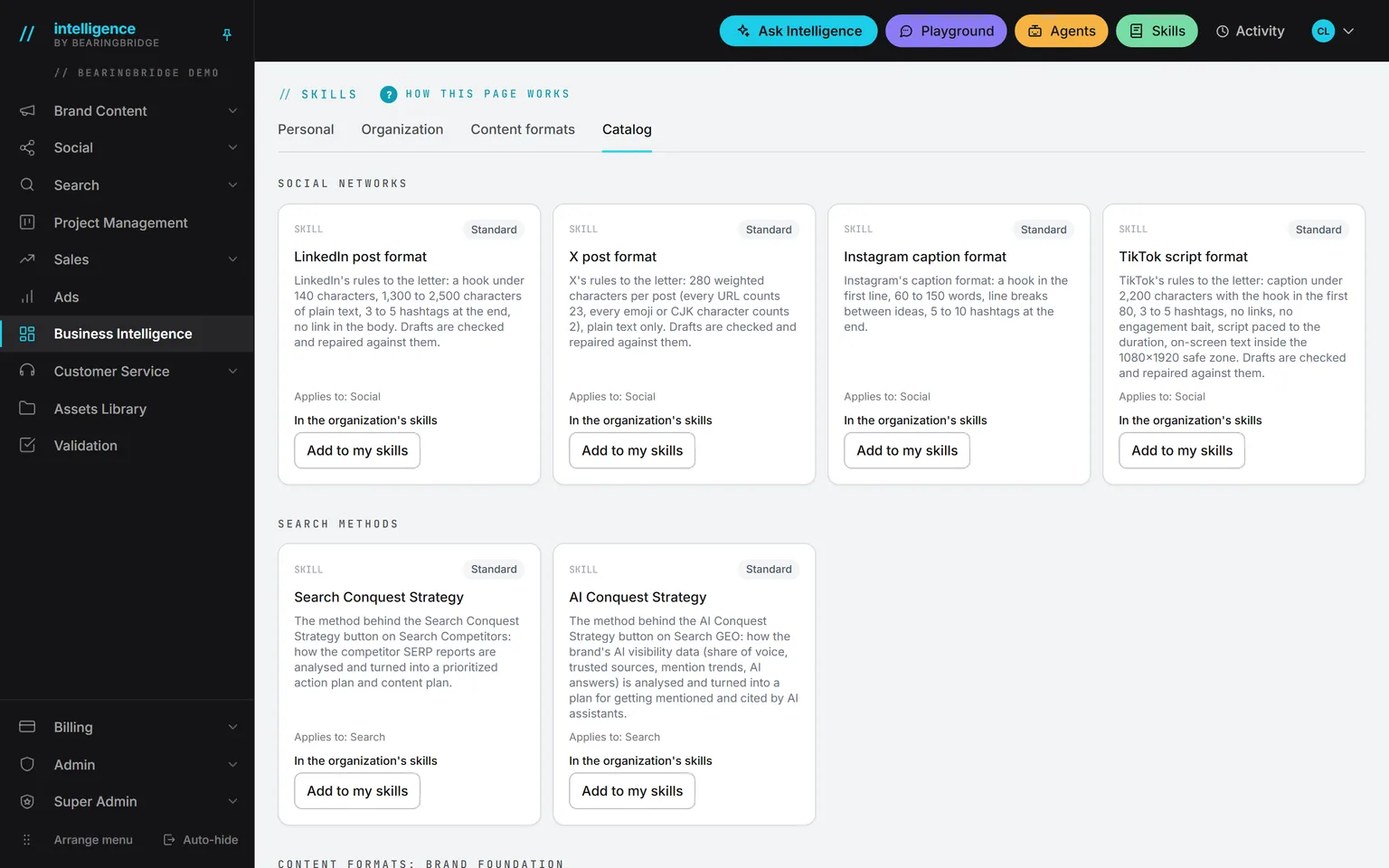
The Playground, for draftingHover to pause
Practical examples.
Here are those tools at work.
Now showingA vacancy
A vacancy
The job opening
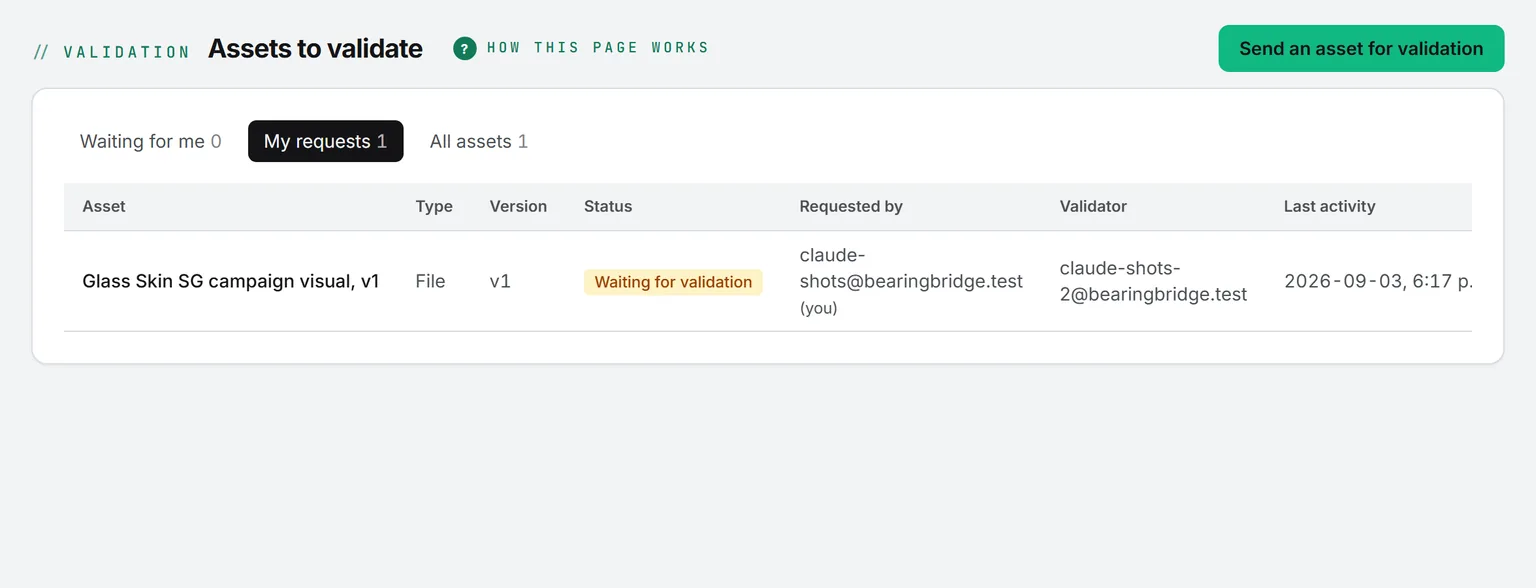
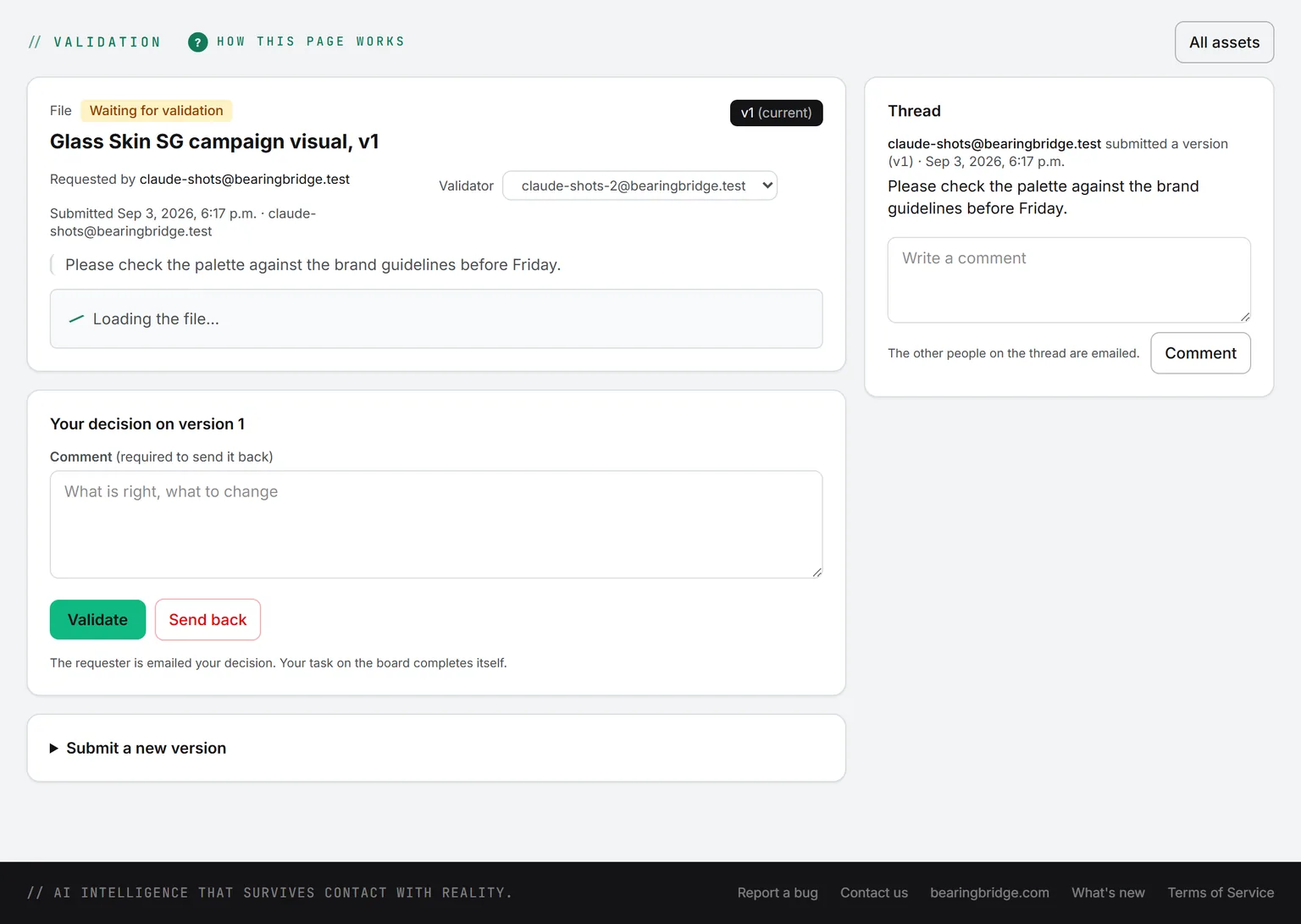
Draft the posting in the Playground with your skill, then send it to the hiring manager through Validation. The manager gets a mail and a card on their board, and either validates the posting or sends it back with a comment.
Once it’s validated, open Social, draft the LinkedIn post for the company page, and schedule it for Tuesday morning.
Friday, for Monday
The new hire who starts Monday
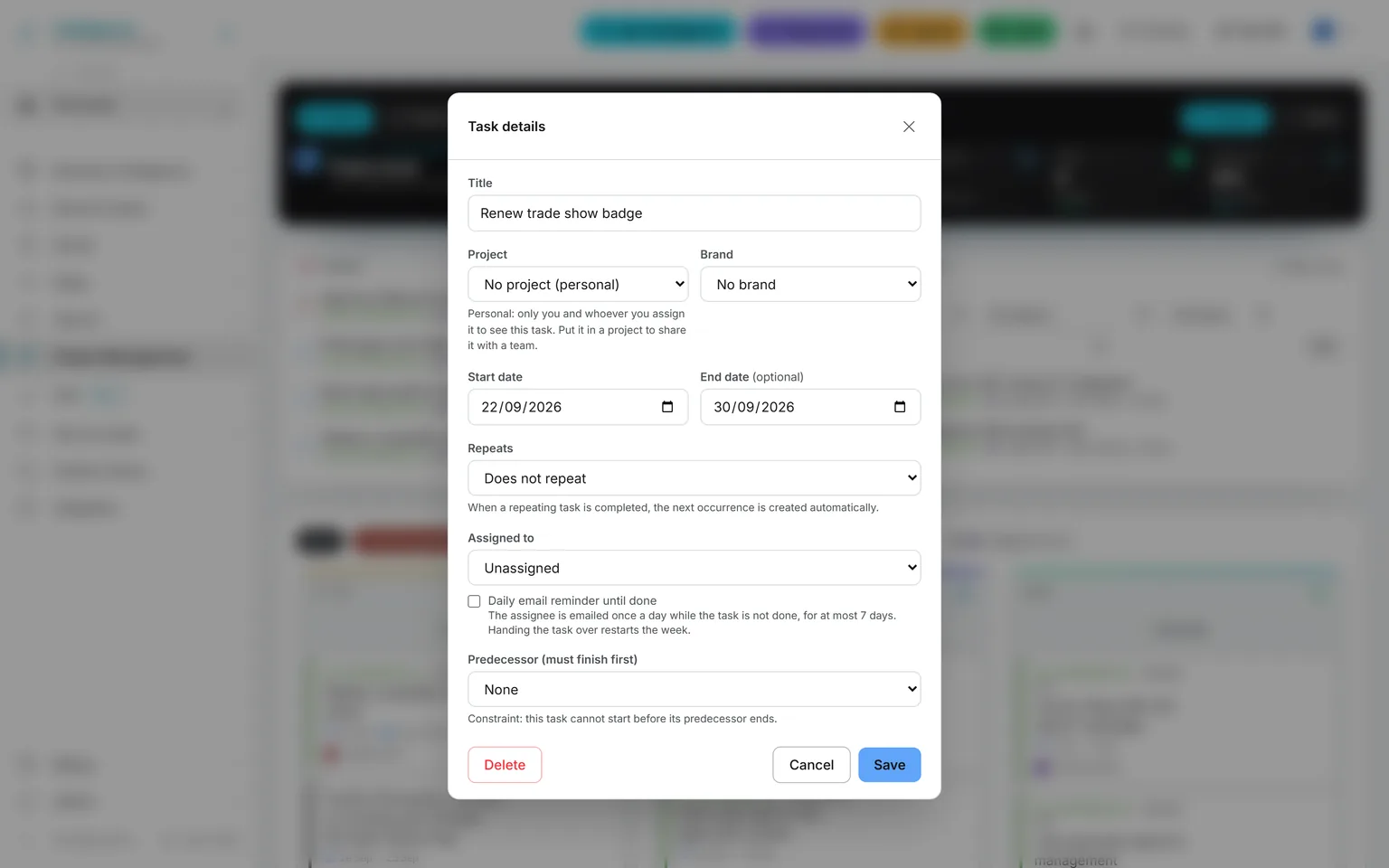
On Friday, duplicate each onboarding task from the right-click menu, assign it, and date it. IT gets the laptop card and the manager gets the first-week card. The 30-day review stays with you.
On Monday the new hire opens My tasks and finds their own list.
On your website
The careers desk
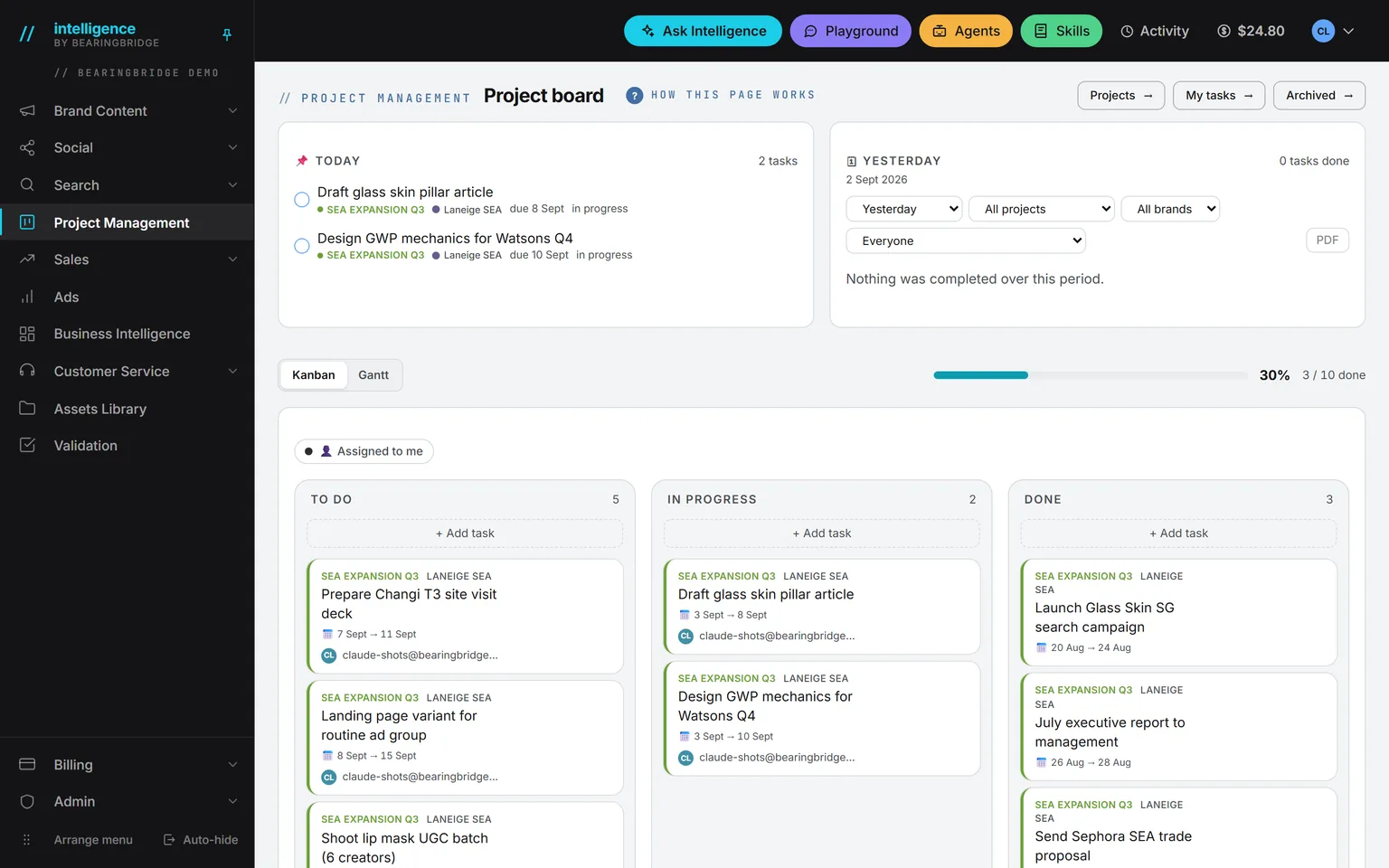
Create a Service Desk called Careers and feed it only public material: the benefits page, the hiring process, and the office addresses. Candidates ask it questions at any hour, and it answers only from those documents.
A desk is public, so never load an internal policy into it.
Questions your team can put to Ask Intelligence.
Questions from your inbox and the hallway
How many days of parental leave do I get?
You know these questions from your inbox and the hallway, and with the policy folder in place they can go to Ask Intelligence instead. If an answer says the handbook is silent, write the missing page.
Accounts, rights, and what it costs.
Seats are free, so every new hire gets an account on day one. An administrator gives each person a role, the brands they may see, and a daily spending allowance. Every answer prints what it cost, and the allowance caps what a person can spend. When someone leaves, their login is deactivated and their work stays.
If you have Revenue access, the Team page in Revenue Follow Up holds each person’s monthly cost from their start and end dates: base, social charges, and medical. Enter a planned hire there and it shows up in the P&L (profit and loss) and in the cash forecast, which makes the conversation with finance shorter.
If nobody holds the HR job.
Vacancy
- Position
- Human resources
- Held by
- Nobody yet
- Covered by
- Intelligence
- Done by
- The founder, on the side
In a small company the founder or the office manager does HR on the side. Begin with the five steps below.
The platform takes
- The writing: postings, interview guides, clearer job descriptions.
- The repeat questions, answered from the handbook folder.
- The onboarding list, which only has to be built once.
A person keeps
- The conversations that matter: hiring, pay, conflict, and leaving.
- The judgment on every candidate.
One caution before you start: be careful with résumés, and don’t ask a model to rank or reject candidates. Many jurisdictions regulate automated hiring decisions, and a model can carry bias you won’t see. Use the AI to write, summarize your own notes, and prepare questions. Keep the judgment with people.
Your first week, in five steps.
0of 5 done
Tick a step when it’s done. Your ticks stay in this browser.
What Intelligence doesn’t do for HR.
There’s no applicant tracking, no résumé database, no payroll run, no leave calendar, and no performance review tool.
A card on the board has no checklist or attachment yet.
Conversations in Ask Intelligence and the Playground are yours alone and can’t be shared with a colleague.
The catalog lists a joiner, mover, leaver agent, for people who arrive, change jobs, or leave. It’s built to order, not a feature of the product.
Checked against the product on September 20, 2026. The catalog lists every agent as built, partial, or not built. Usage is paid from a prepaid wallet, with no seat fee, and the rates are on the pricing page.
One folder, one skill, one task list. That’s the first week.
Seats are free, so every new hire gets an account on day one. Open yours and put the handbook in a folder.
No subscription. No seat fee. No card needed to open an account.