




Modules / Assets Library
Everything the product made, filed before you asked, with its prompt and its price.
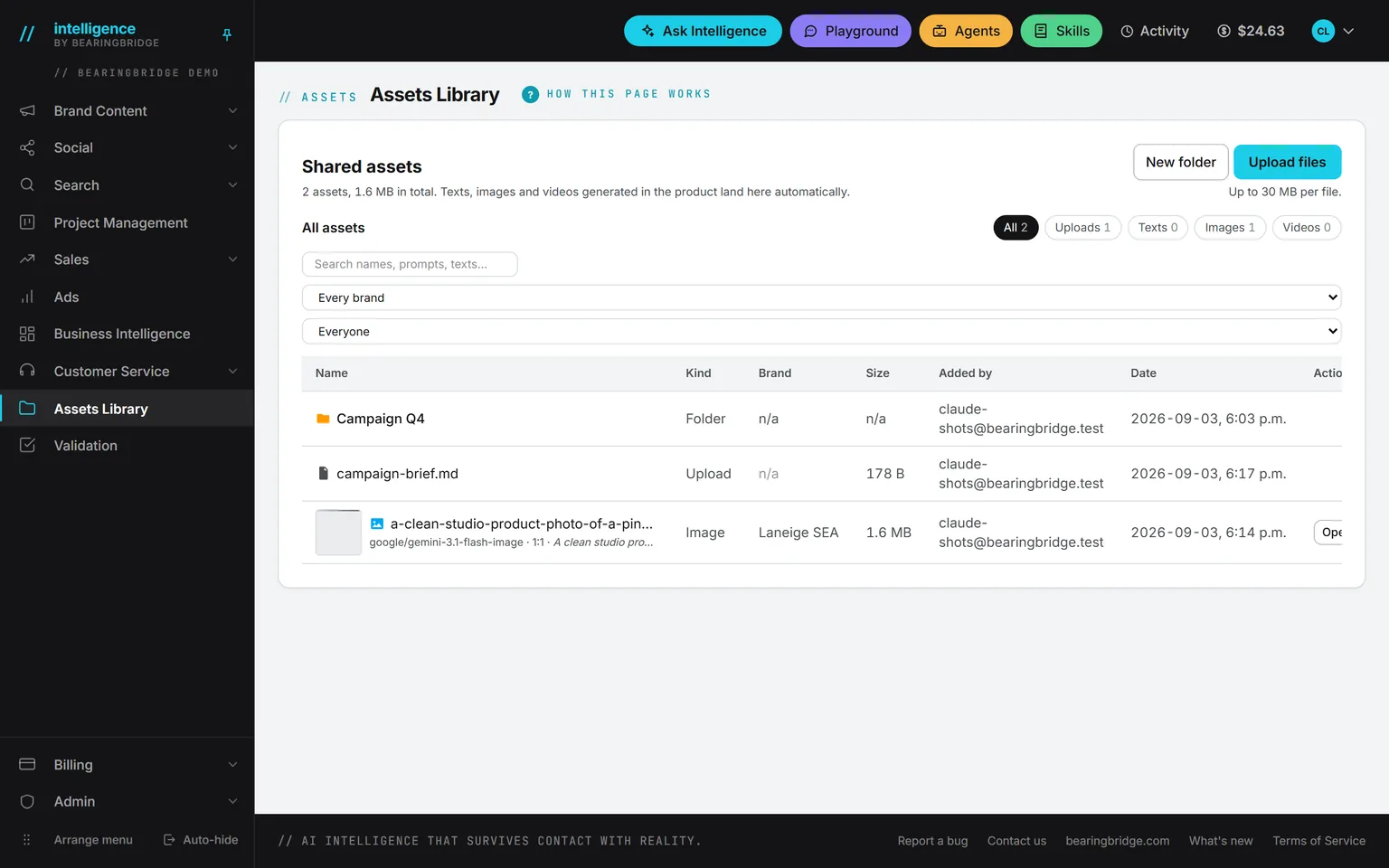
Texts, images and videos land here the moment they are made, with the engine, the prompt, and what each one cost. Upload what you made elsewhere, tag it in your own words, and find any of it from one search. Then point a brief, a post, an agent, or Ask Intelligence at a folder or a campaign, and it writes from what is inside.
Demo workspace. Invented brand and figures.
Four kinds of asset, none of them filed by hand.
Texts
A piece or an article, kept at its latest version, with its format, language, and cost.
Images
Every render from the image studio and every social visual, with the engine, the prompt, the shape, and the price.
Videos
A clip from the video studio or from social, with the engine, the length, and the cost.
Uploads
Anything you drop in: briefs, guidelines, spreadsheets, decks, photos, or a file kept from your Scratchpad. Up to 30 megabytes each by default.
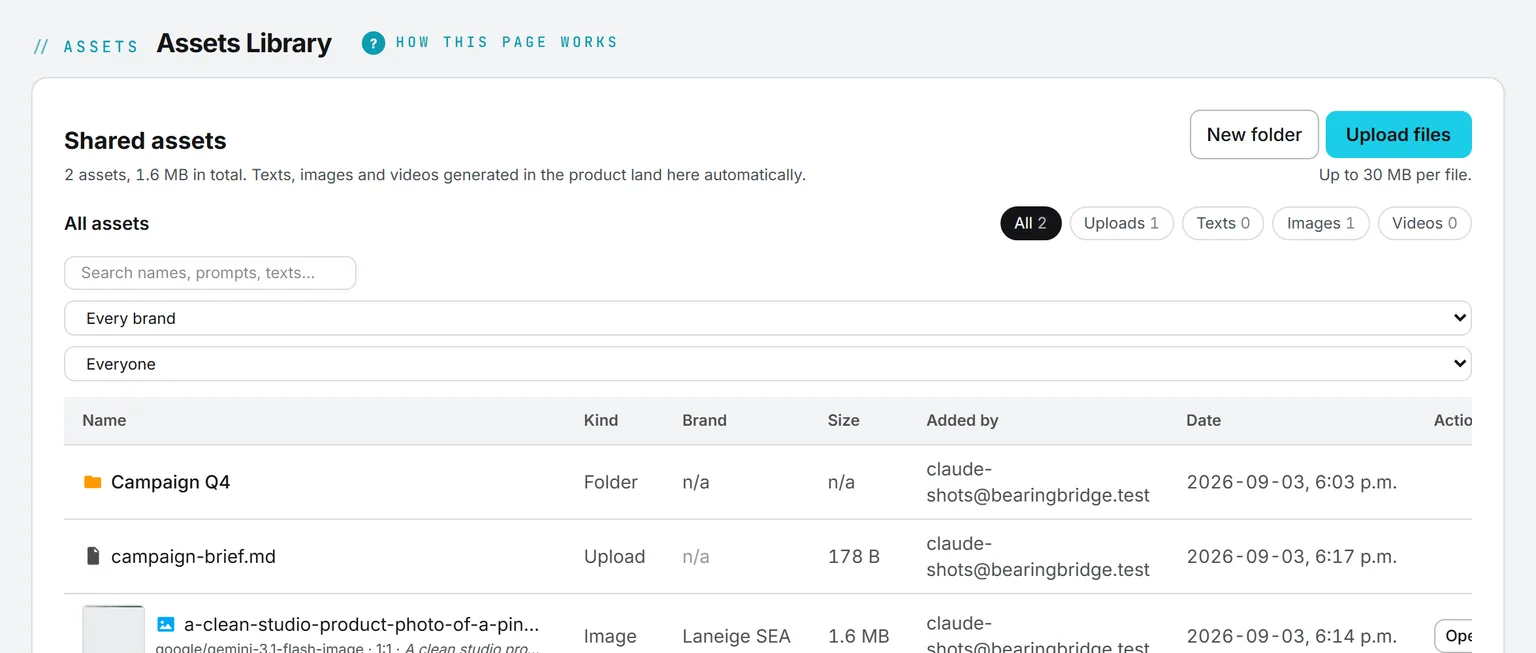
Anyone on the team can add a file. Everything that can happen to it afterward lives in one Actions menu on each row: open it in the module that made it, view, download, edit an image, tag, rename, move, set its brand, or delete. Tick several rows to do any of that at once, or drag one onto a folder.
One search, and every filter beside it.
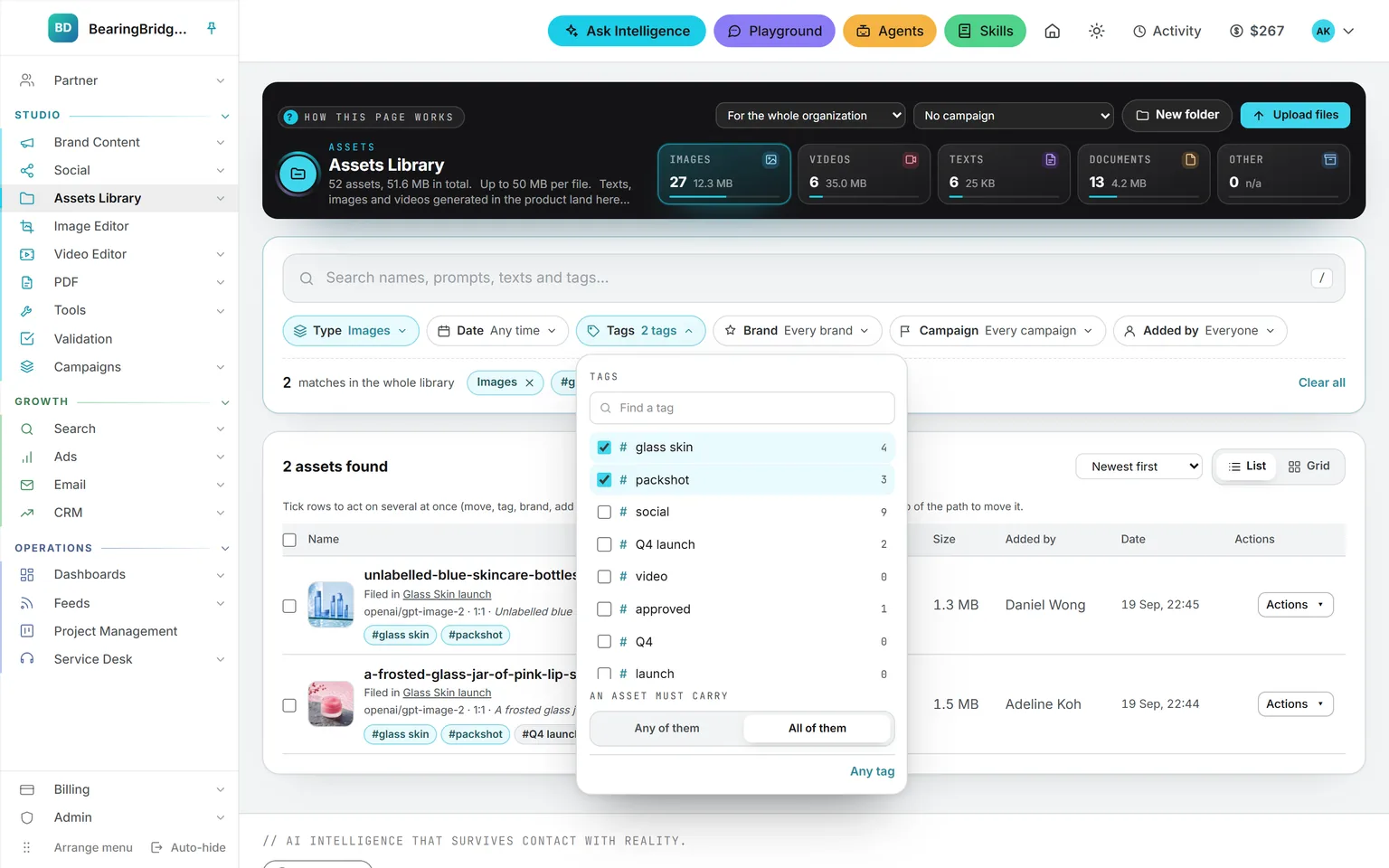
Filters. Type, date, tags, brand, campaign, and who added it, each a pill with its own panel. Tick a few and the count updates as you go. Every filter searches the whole library, not just the folder on screen.
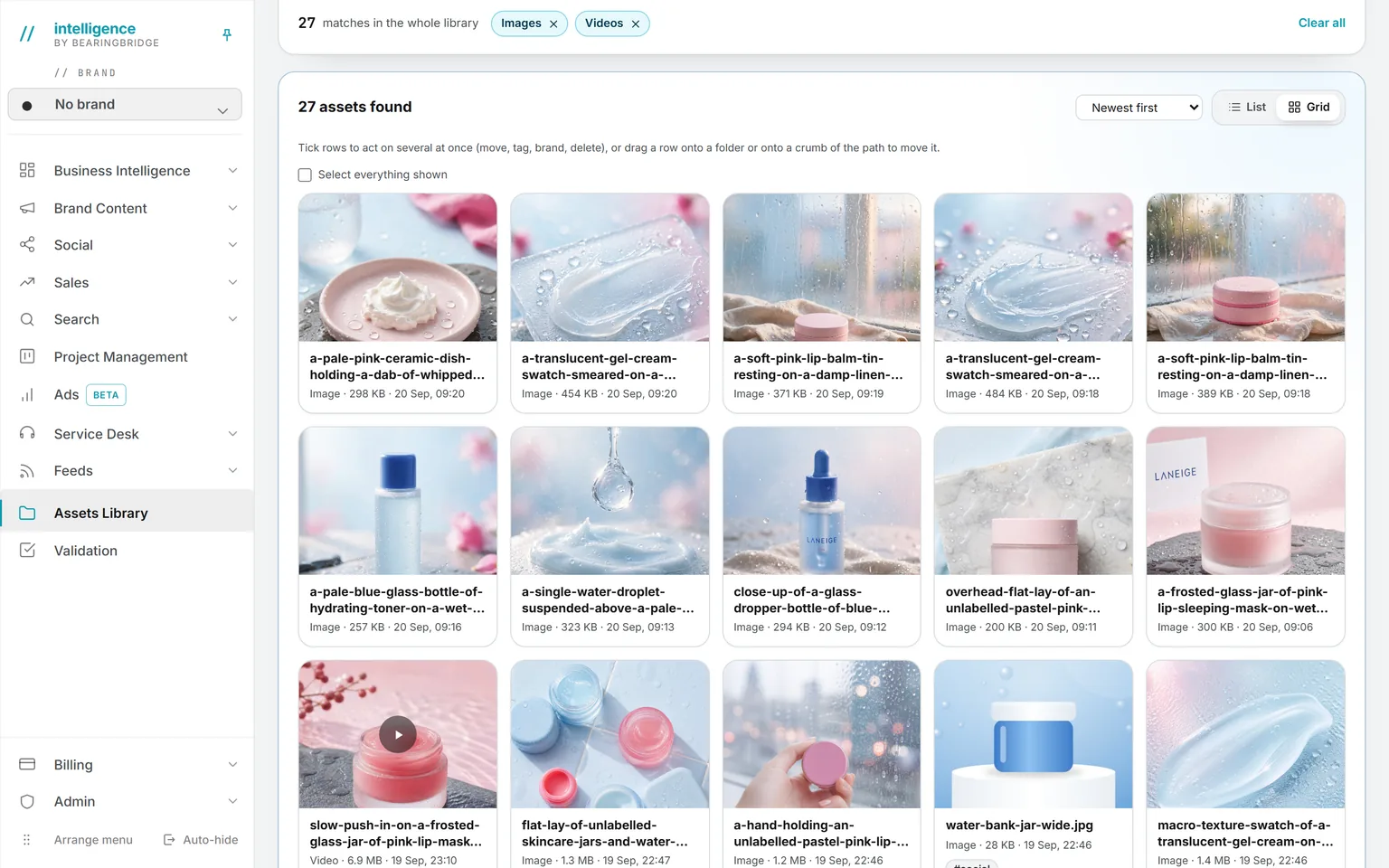
Grid. A card per asset, a thumbnail for a picture, and a clip’s own first frame for a video. Switch back to a list at any time; the choice is remembered.
Tags are your own words, not a fixed taxonomy: up to twenty per asset, added from one row or several at once. Pick two or more and choose whether an asset must carry any of them or all of them, then click a tag anywhere to filter on it.
Name a folder, and a brief writes from what is inside.
Pick
Name a folder
In a text brief, a social post, an agent, or a service desk, or ask Ask Intelligence to read it.
Read
Anything readable inside
PDF, Word, Excel sheet by sheet, text, Markdown, CSV, JSON, HTML. Subfolders included.
Limit
Twenty files, 300,000 characters
Fifteen megabytes per file. The bytes never leave the server; only the text reaches the model.
Bill
Read once, billed as a transfer
Like a download. Shown on the ledger like everything else.
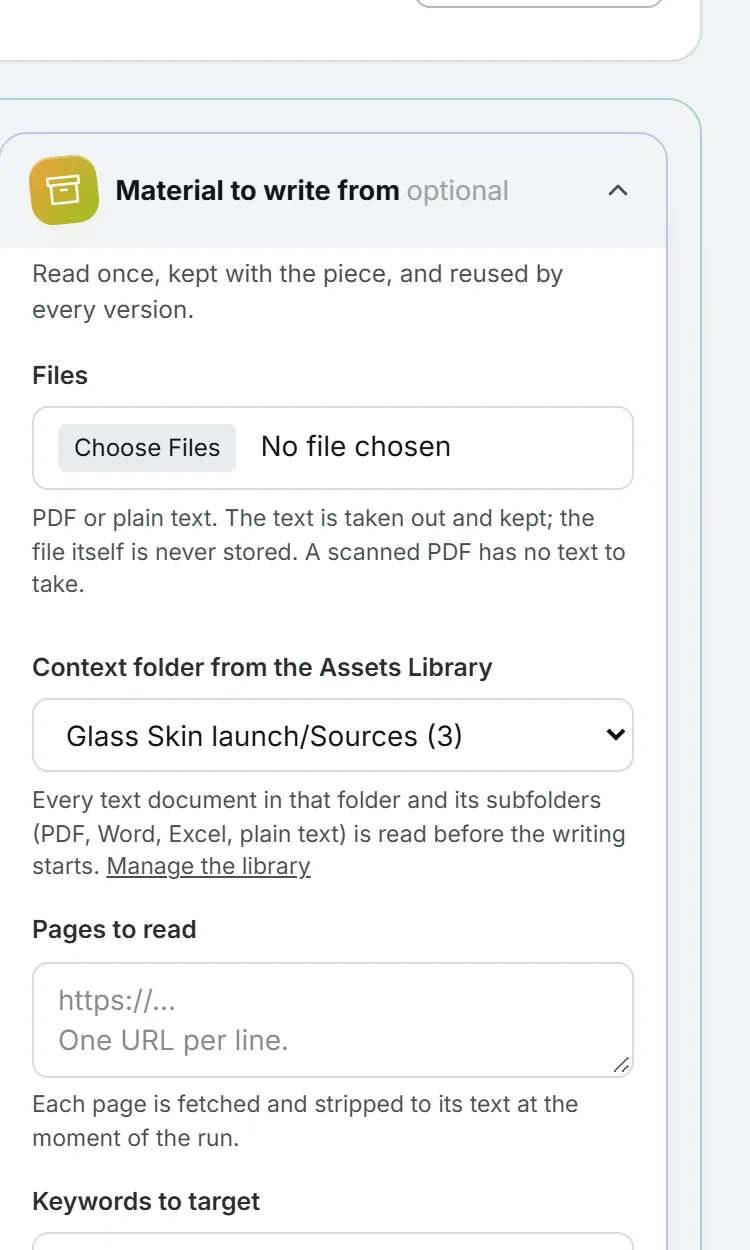
Put last year’s brief, a founder interview, and a price list in one folder, and a brief that names it starts from your facts instead of from nothing.
Everything made for one launch, read as a whole.
Gather
Work from every module
Texts, pictures, clips, posts, and uploads. Pick the campaign on the form that makes them, or add them later from the campaign’s page or the Actions menu of any asset.
Brief
A name and a few lines
Say what the campaign is for. The AI reads that brief along with everything in it.
Read
As one source
Name it in Ask Intelligence or type @. Give it to a custom agent. Or pick it as the material of a Brand Content or Social brief.
Keep
Nothing is copied
A campaign points at assets in the library. One asset can sit in several campaigns, and deleting a campaign leaves every asset where it was.
A spring launch scatters its work across the product: a landing page in Brand Content, renders from the image studio, a Reel in Social, the agency’s deck in an upload folder. A campaign pulls it together under one name, whichever module made each piece. A newer version of an asset stays in the campaign, and an asset someone deletes just drops out.
When the AI reads a campaign, it gets the brief, a line for every picture and clip with its prompt, and the full text of the documents: up to twenty files and 300,000 characters, the same limits as a folder. People see only the assets they could already open in the library, and an agent running for one brand never reads another brand’s.
The whole module, from the forms that file work straight into a campaign to who may delete one, is on the Campaigns page.
Four rules about bytes and money.
Regenerate a piece ten times and you have one asset, updated, not ten. The old bytes are deleted.
The size is checked in the browser, again when the upload is signed, and once more on the stored object. You pay for what storage actually holds.
Charged daily from the same prepaid credits and listed as file storage on your Billing usage page, not here. The files on your Scratchpad sheets count too. An empty wallet stops new uploads, never your existing files.
A private bucket, download links that expire in ten minutes, and nothing publicly addressable. Only the person who added an asset can delete it, so nobody loses work to somebody else’s click.
An asset filed under a brand is seen only by the people who have that brand, everywhere in the product. Work filed with no brand is yours alone, closed even to an administrator, until you open it to the organization or to chosen brands.
The same data, one door over.
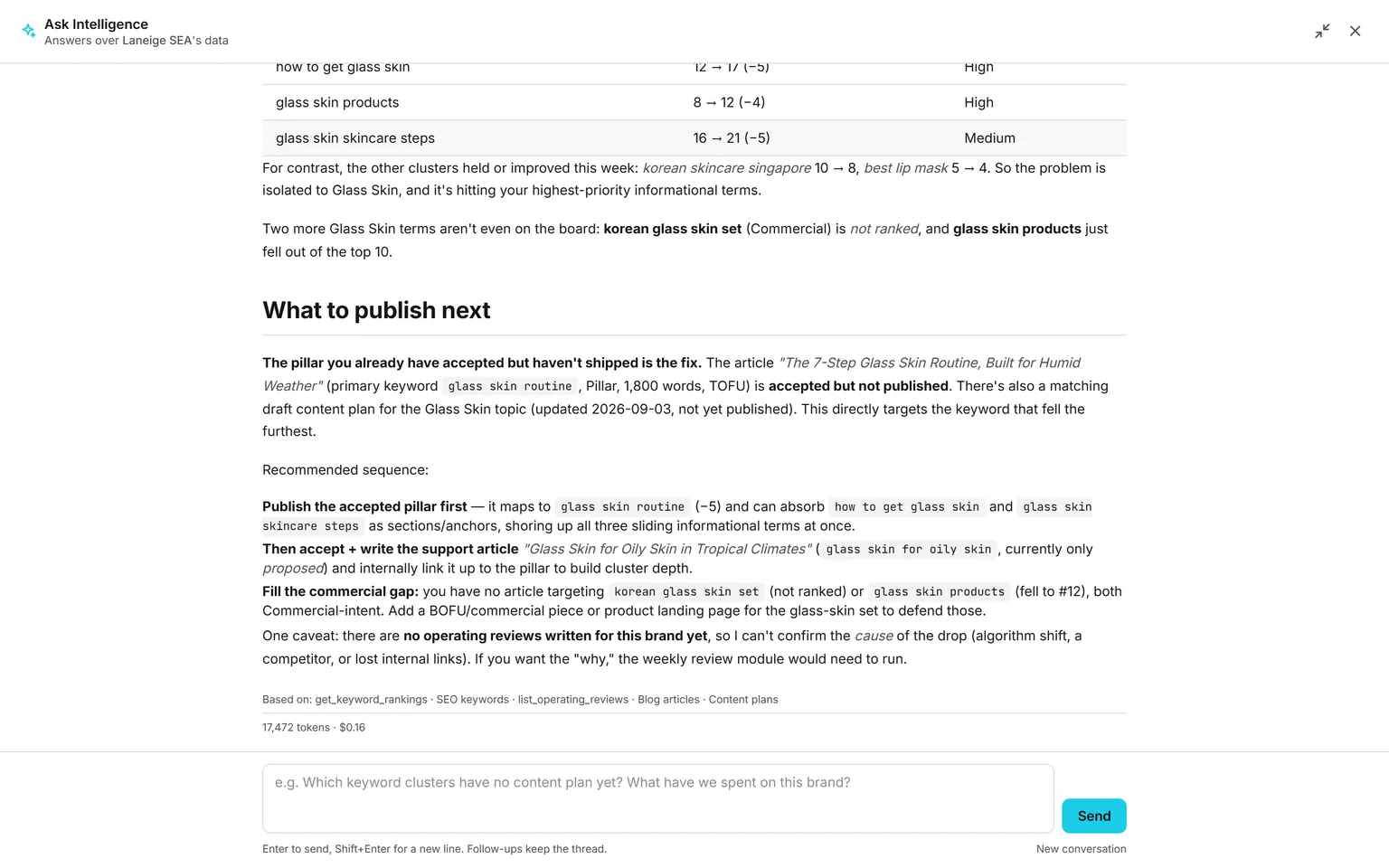
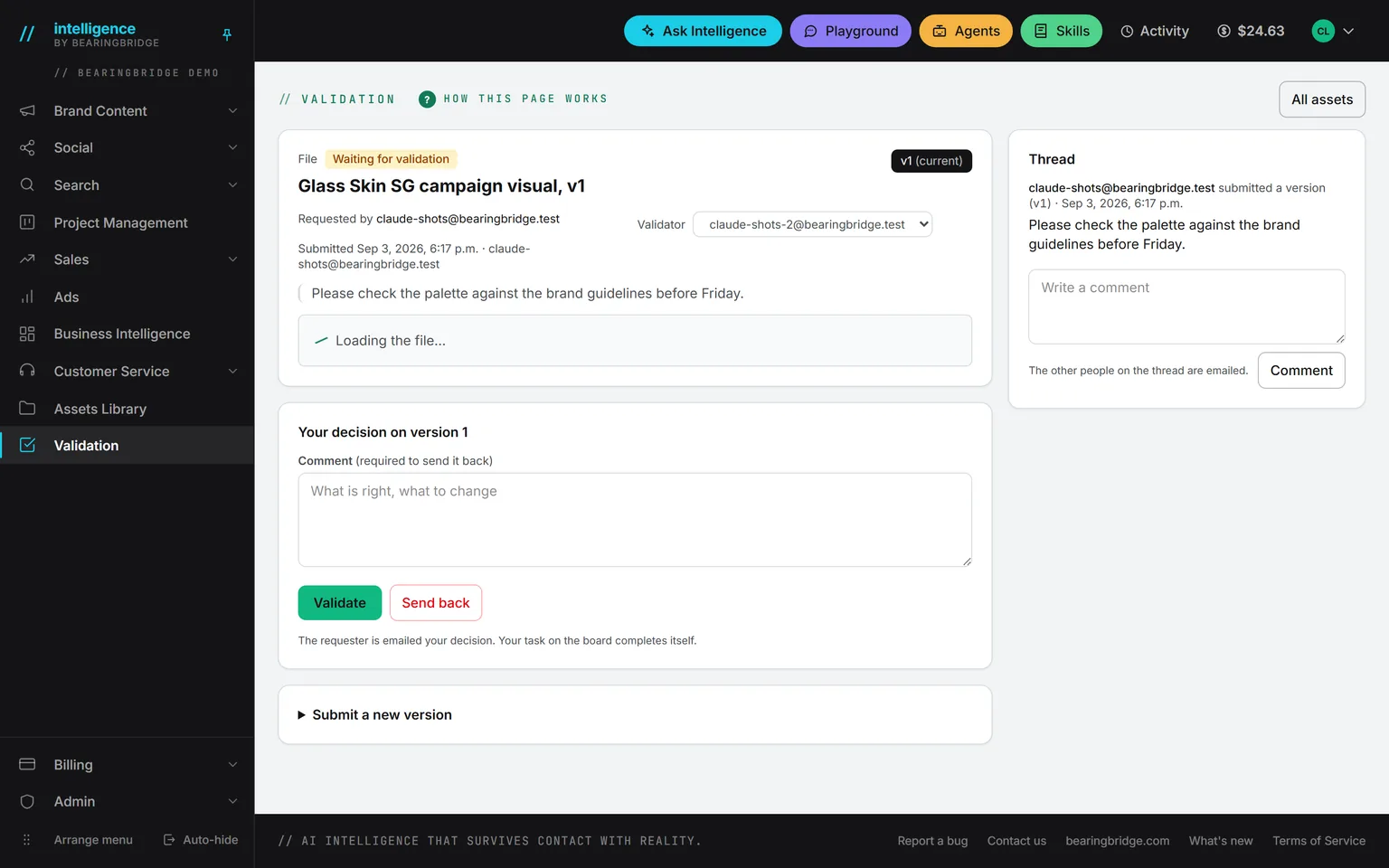
Nothing here is an integration. These run on the same account, the same brand, the same ledger, so a finding on one page becomes work on the next.

Not built yet, said first
- Only uploaded files take new versions in the library. A regenerated piece replaces its asset; its earlier versions live in the module that made it and in Validation.
- No public sharing links. Everything stays inside the organization.
- A folder is read for its text. Pictures, clips, and slide decks inside it are skipped.
- Image-only PDFs can’t be read as context.
- Tags are typed by people. Nothing tags an asset for you.
The catalog lists every agent as built, partial, or not built. Checked against the product on October 16, 2026.
Usage is paid from a prepaid wallet, with no seat fee. The rates are on the pricing page.
The first asset files itself the first time you press generate.
There is nothing to set up. Make a text, an image, or a clip anywhere in the product, and it is filed here with what it cost, usually before the page has finished loading.
No subscription. No seat fee. No card needed to open an account.