




Modules / PDF tools
Eight PDF tools, and the file never leaves your browser.
Write on a page, merge a deck with its appendix, split a contract, put the pages in order, turn the scanned ones, keep three pages, cut the margins, or make the file light enough to email. The eight tools share one page in the Assets Library, run in your browser and cost nothing.
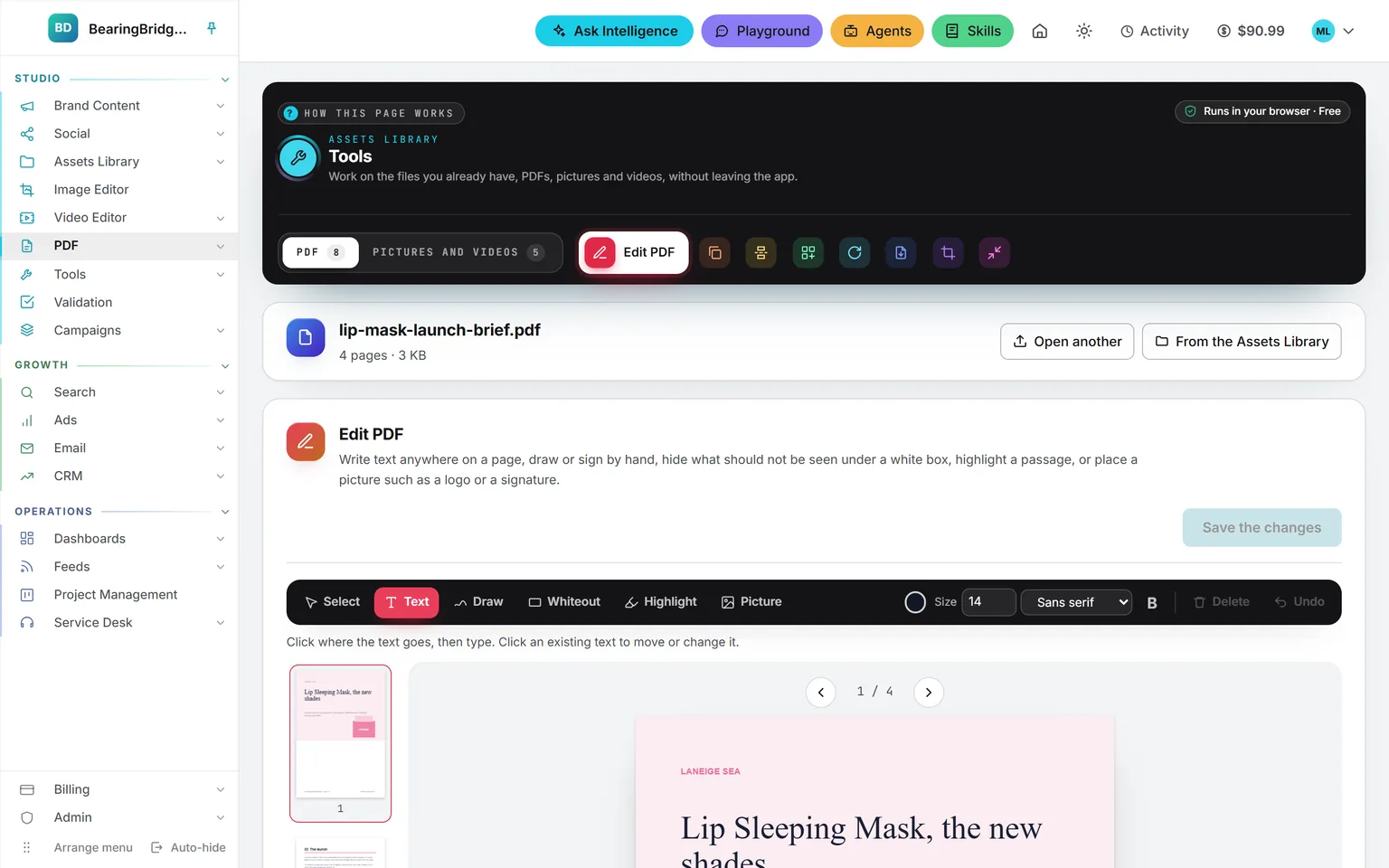
Demo workspace. Invented brand and figures.
Everything a PDF needs before it goes out.
Edit PDF
Text anywhere, a signature drawn by hand, a white box, a highlight, a logo or a scanned signature.
Merge PDF
Several PDFs, and pictures if you like, into one document, in the order you drag them.
Split PDF
One file per page, every few pages, at the scissors you click, or by the ranges you type.
Organize PDF
Reorder, delete, duplicate or turn a page, add a blank one, or reverse the whole order.
Rotate PDF
A quarter or a half turn, on every page or a few. Bookmarks, links and forms stay put.
Extract PDF
Keep the pages you click or type, as one new PDF or as one file per page.
Crop PDF
Draw the part to keep, or type the margins in millimetres, on one page or all of them.
Compress PDF
Lighter to send: the pictures inside are re-encoded, the text stays sharp and selectable.
Open
A PDF from anywhere
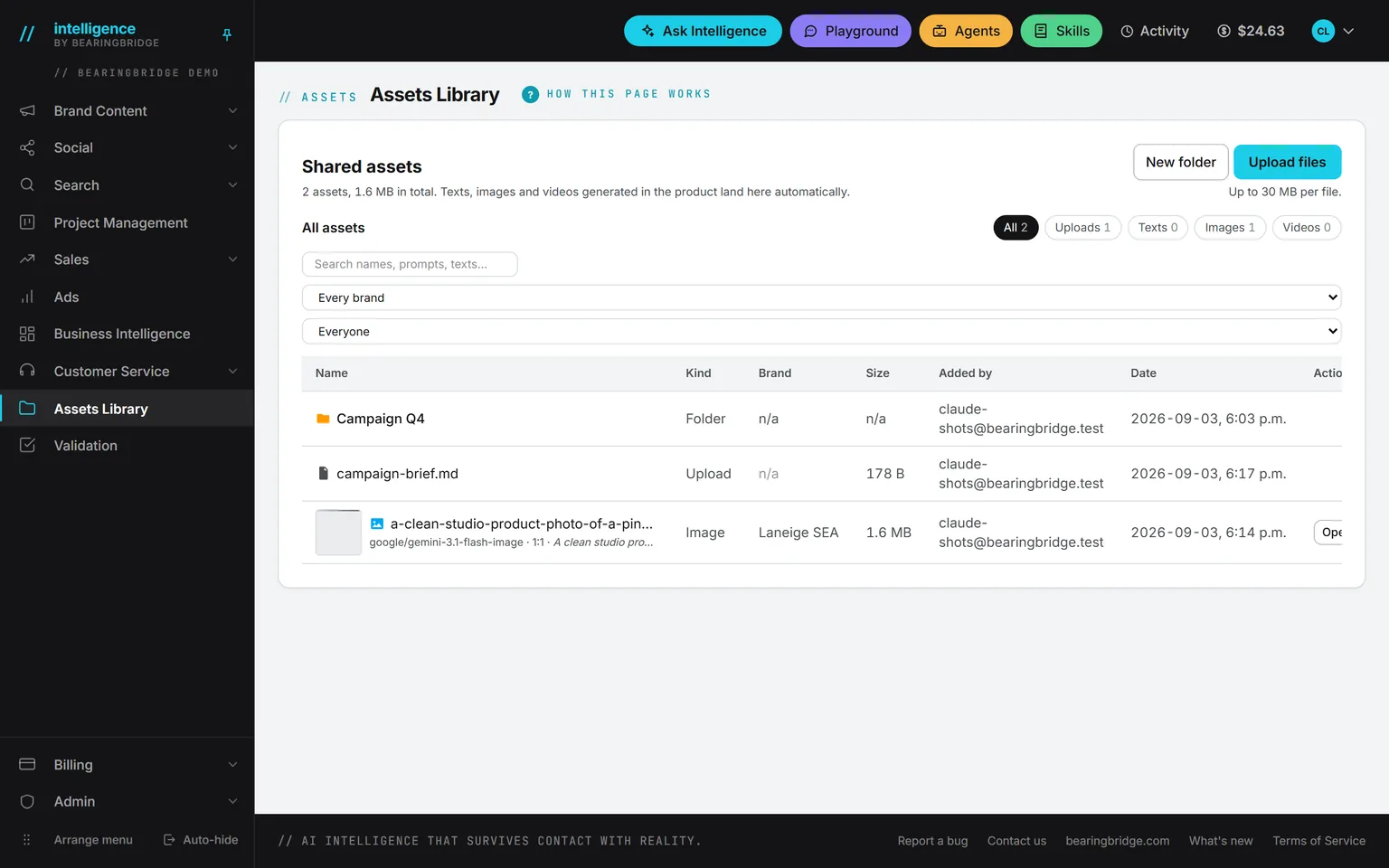
Drop it from your computer, or pick one your organization already keeps in the Assets Library.
Set
What the tool should do
The pages appear with the tool’s own settings. Switch tools and the document stays open.
Keep
Download it, or file it
Download it, save it to the Assets Library next to the original, or keep working on it in another tool.
One document, carried from tool to tool.
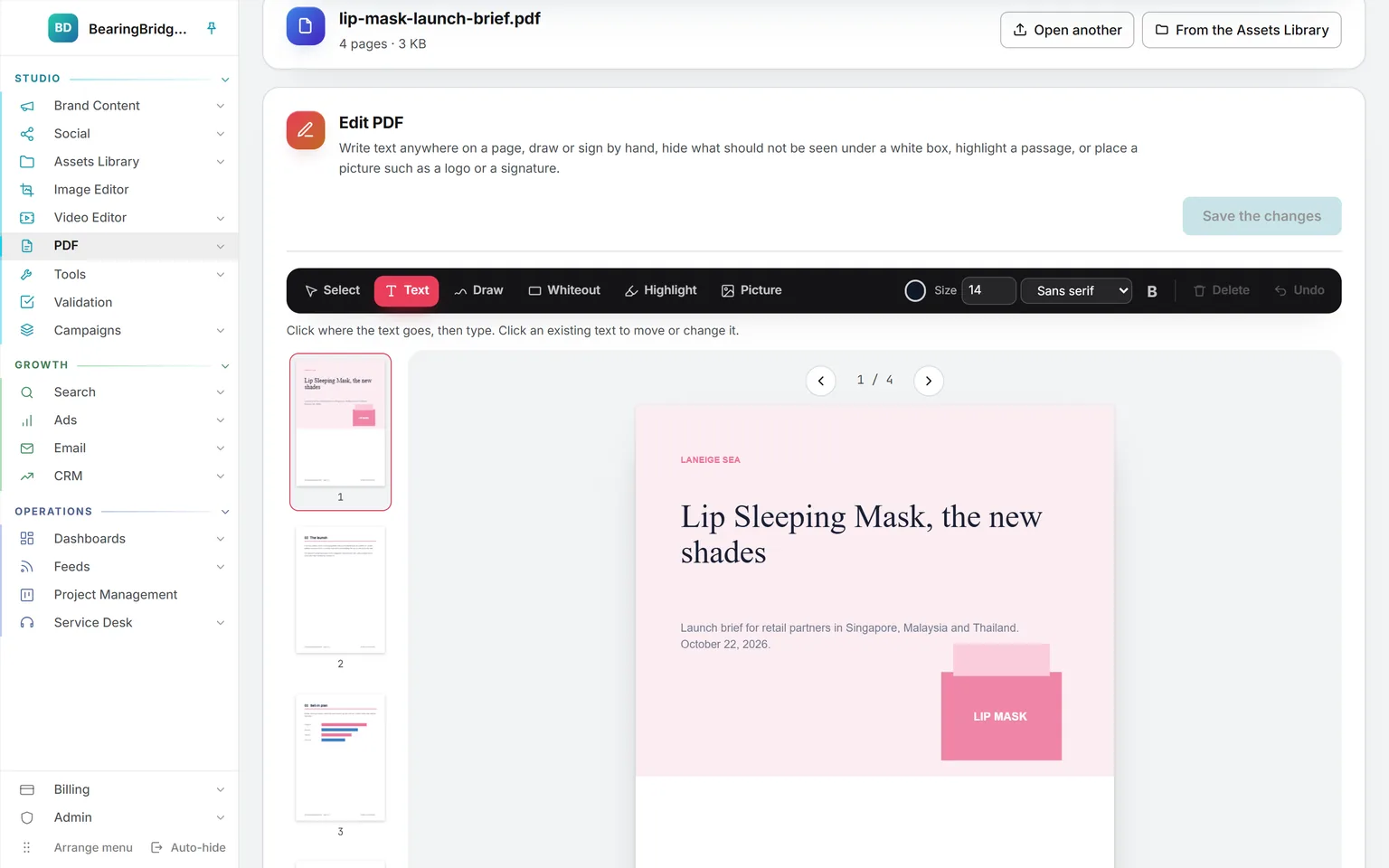
Edit. Pick a tool in the bar, then work on the page itself. Latin text is written as real text, so it can be selected and searched. The button counts your marks before it writes them into a new file.
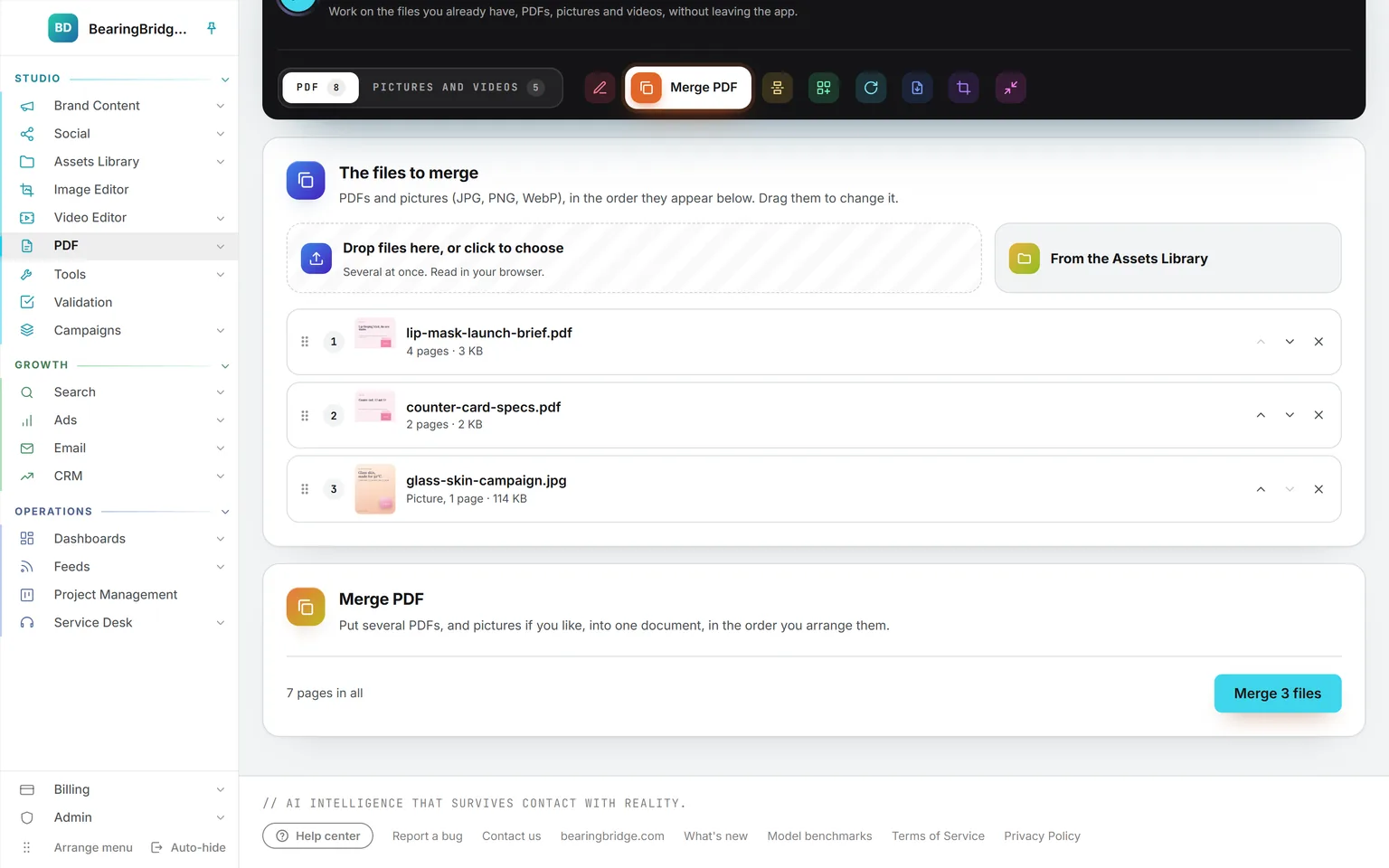
Merge. Drop several PDFs and pictures at once, or pick them from the library, then drag them into order. Each picture becomes a page the size of the picture.
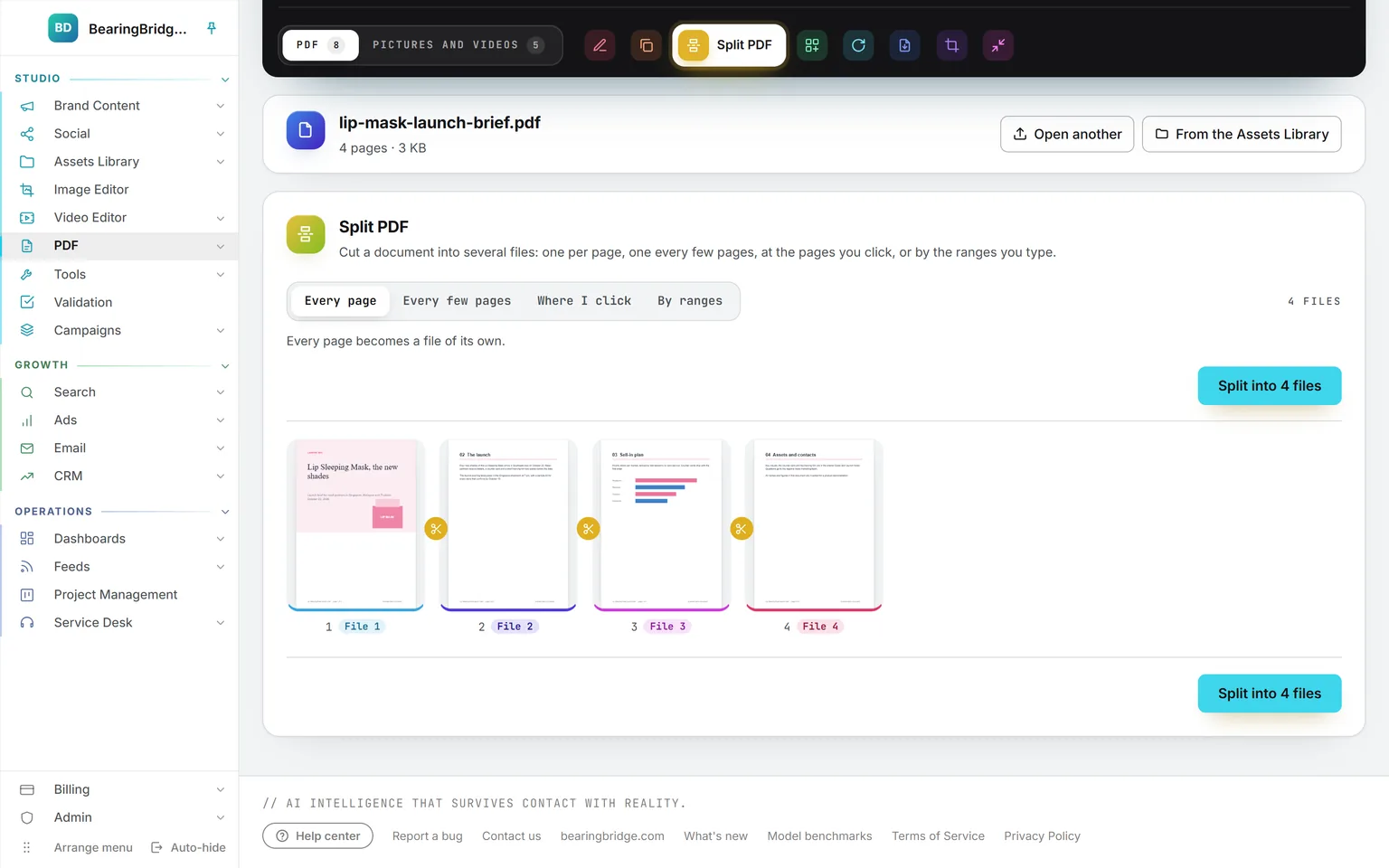
Split. Every page, every few pages, where you click the scissors, or by ranges such as 1-3, 4-9, 10-. A label under each page says which file it goes into.
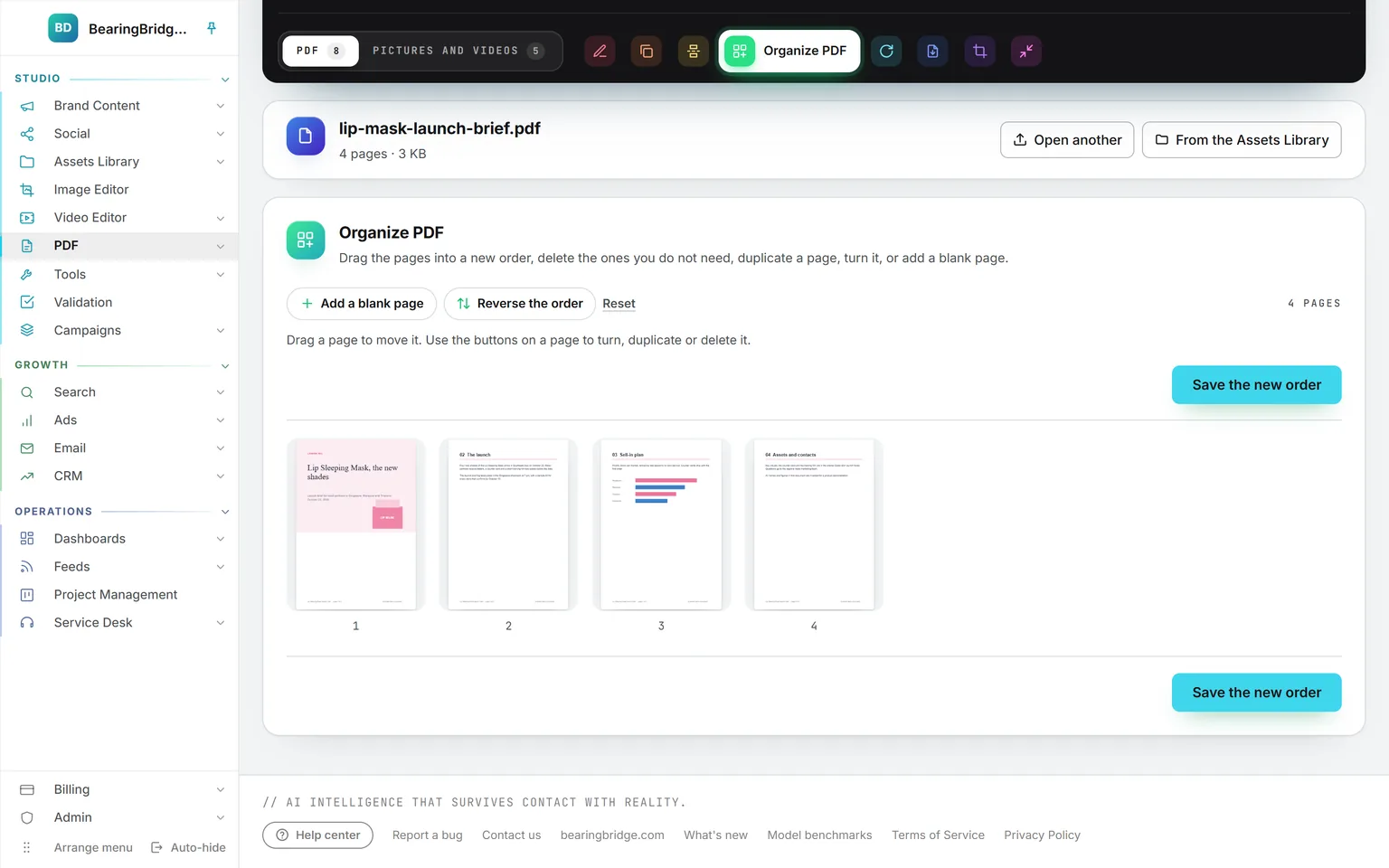
Organize. Drag a page to move it. The buttons on each tile turn it, duplicate it or delete it. A page that moved shows its original number next to its new one.
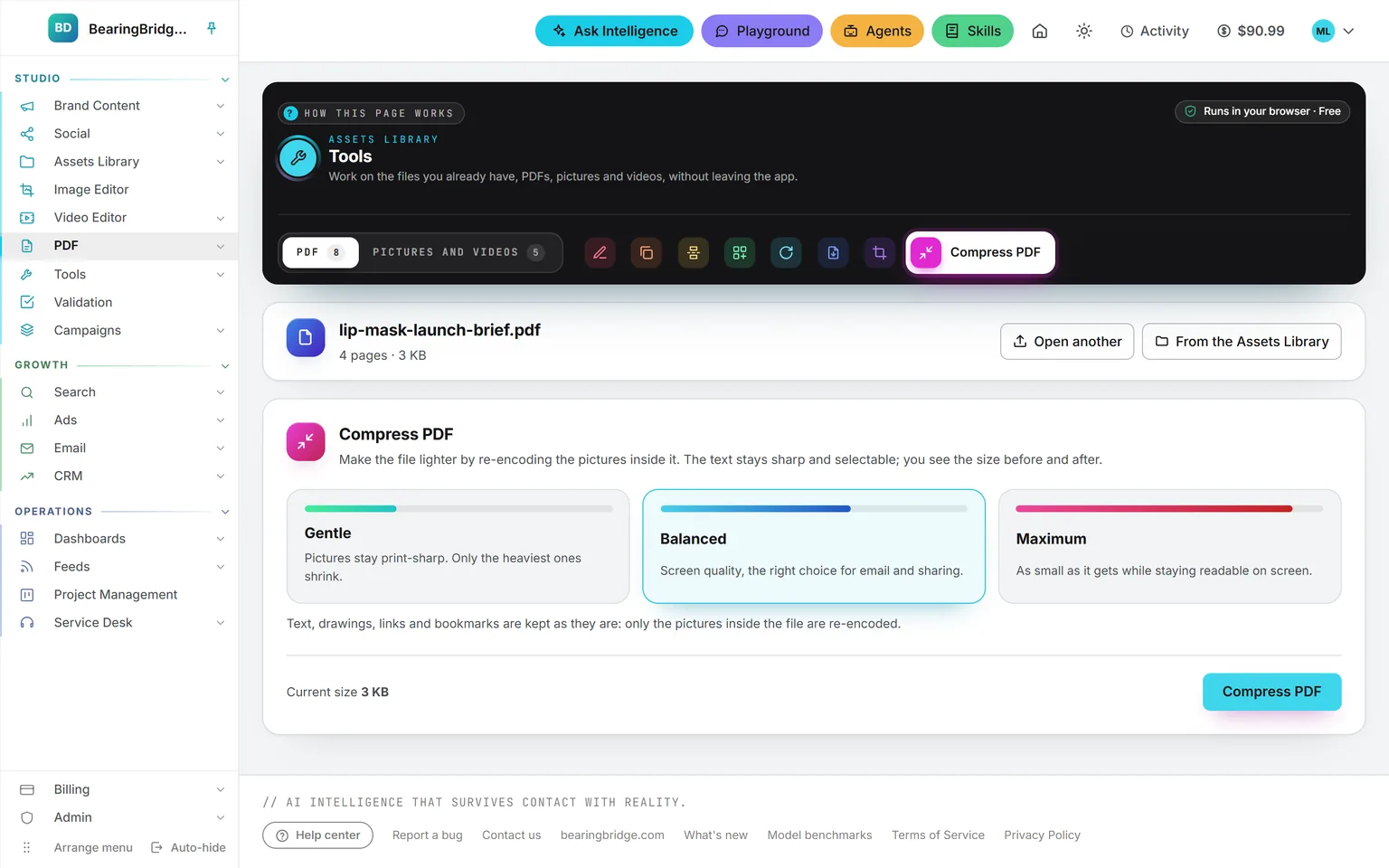
Compress. Gentle keeps pictures print-sharp, Balanced is the choice for email, Maximum is as small as it gets while readable on screen. The result says the size before and after.
Download it, file it, or keep going.
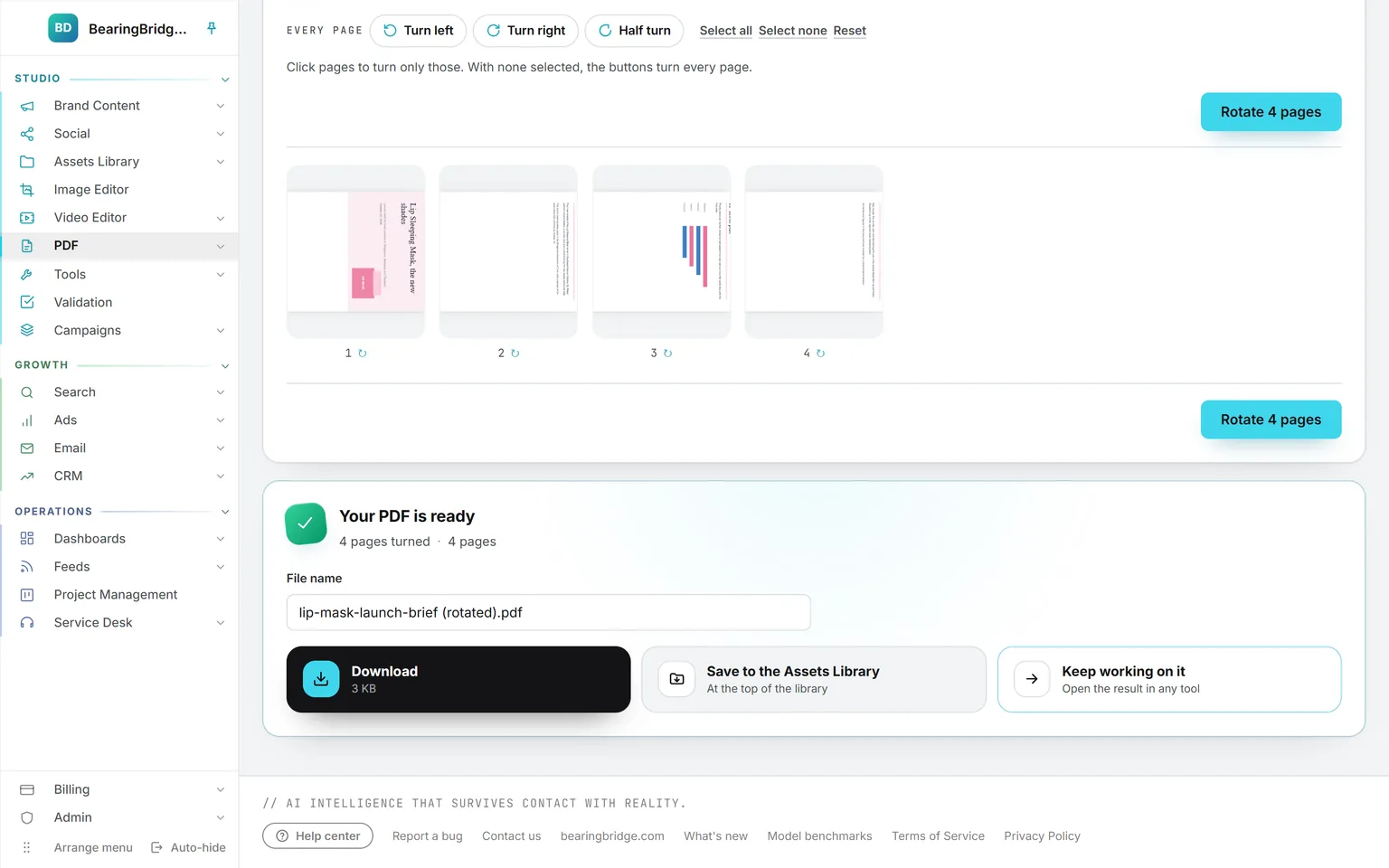
Every run ends on the same card: what was done, a file name you can change, and three ways out. Download it. Save it to the Assets Library, next to the original when it came from there. Or keep working on it in another tool without downloading in between. A run that makes several files offers them one by one, or as a single ZIP.
Four things worth knowing before you send.
Every tool reads and changes the PDF inside your browser. It is never sent anywhere to be processed, and the tools use no credits. Opening a PDF from the library counts as a download, like any other.
The text under a white box stays in the file, where it can still be selected or found by a search. Don’t use it to remove confidential information.
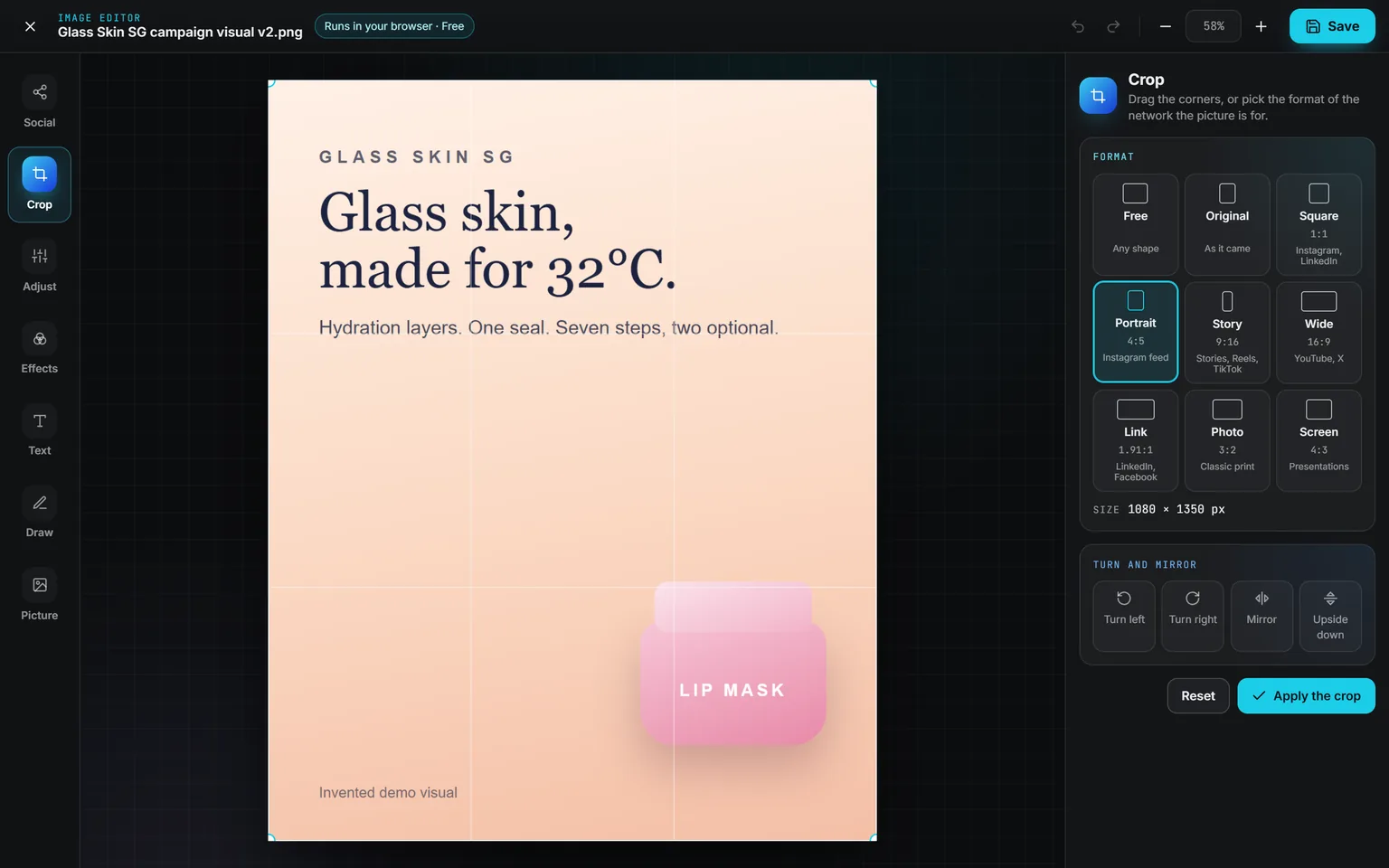
What sits outside the frame no longer shows on screen or on paper, but it is still in the file.
Everyone in the organization can use the eight tools. Saving a result into the library takes the editor role or above; a viewer can still download it.
The same data, one door over.
Nothing here is an integration. These run on the same account, the same brand, the same ledger, so a finding on one page becomes work on the next.
Not built yet, said first
- A PDF protected by a password can’t be opened. Remove the protection in the program that made it first.
- Text in Chinese, or emoji, is written onto a page as a picture of the text: it looks right but can’t be selected.
- No text recognition: a scanned page stays a picture, and Compress only makes it lighter.
- Split and Extract into several files can’t be carried into another tool. Download them, or save them all to the library.
The catalog lists every agent as built, partial, or not built. Checked against the product on October 4, 2026.
Usage is paid from a prepaid wallet, with no seat fee. The rates are on the pricing page.
Open the PDF you were about to send to a website you don’t know.
Everyone in your organization already has the eight tools in the Assets Library. Drop the file in, and nothing of it leaves the browser.
No subscription. No seat fee. No card needed to open an account.