



By roleThe job: Web managerHeld by: you
How a web manager uses Intelligence.
Run a website and three worries come with it. Is the site found? Does each page say the right thing? Do visitors get an answer? Intelligence has a tool for each. It doesn’t replace your CMS, the system your pages live in, and it won’t touch your code. If the website is your job, here’s what to open, and when.
Most small companies are here. An agency built the site once, and nobody has owned it since. With the platform, one person can own it in an hour or two a week. See what it takes over.
Demo workspace. Invented brand and figures.
What to open for each worry.
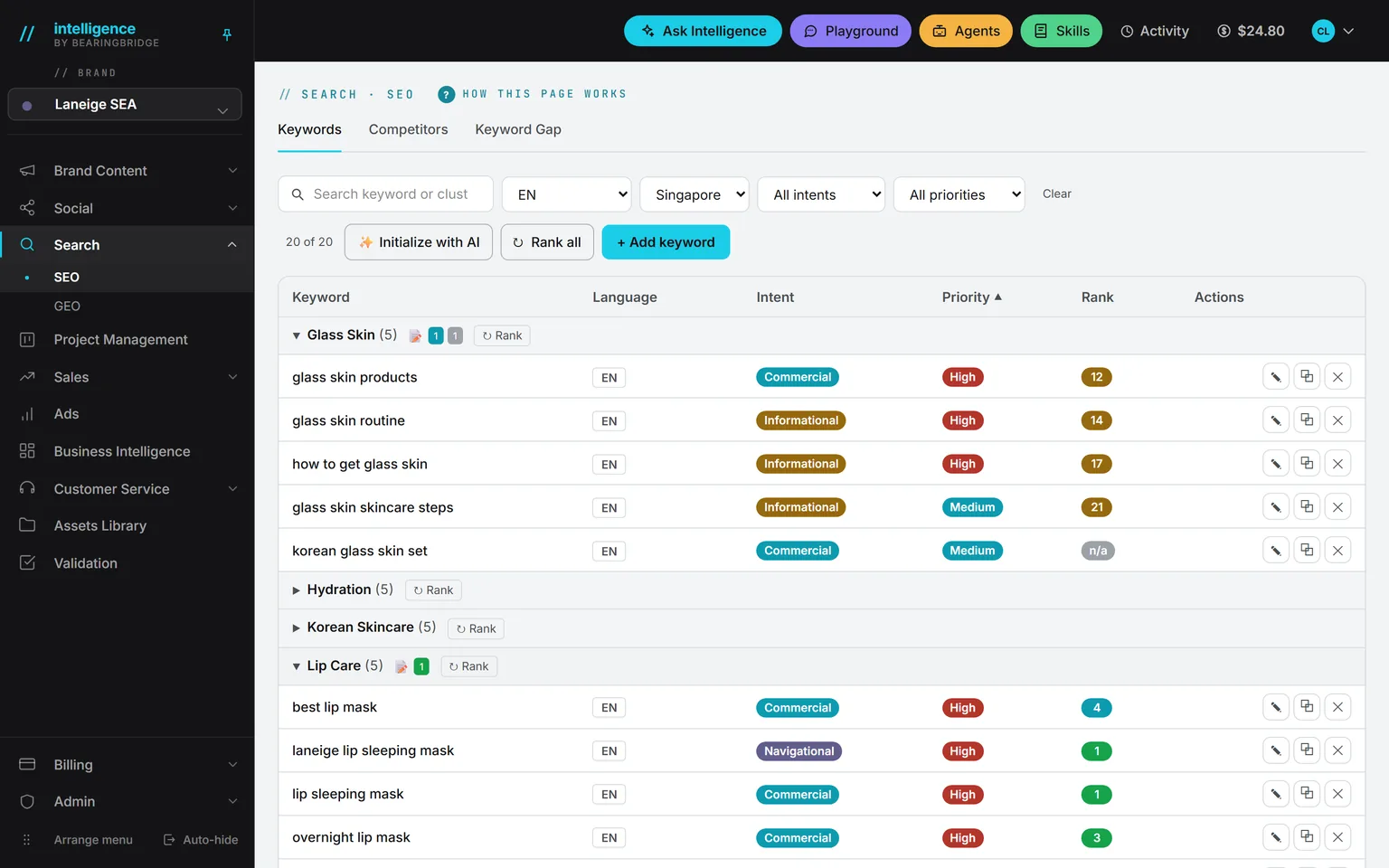
It answers the first worry. A keyword is what people type into Google, and you can track yours in any of 232 markets and 32 languages. The rank comes from live Google results. Starting from nothing? Give the wizard your website, a market, and a language. It reads the site and proposes grouped keywords and the competitors it spotted. Nothing is saved until you validate it.
See the page →Name up to five competitors. You get the keywords they rank for and you don’t, sorted by volume, with difficulty and cost per click. Track the ones you want, and they join your list.
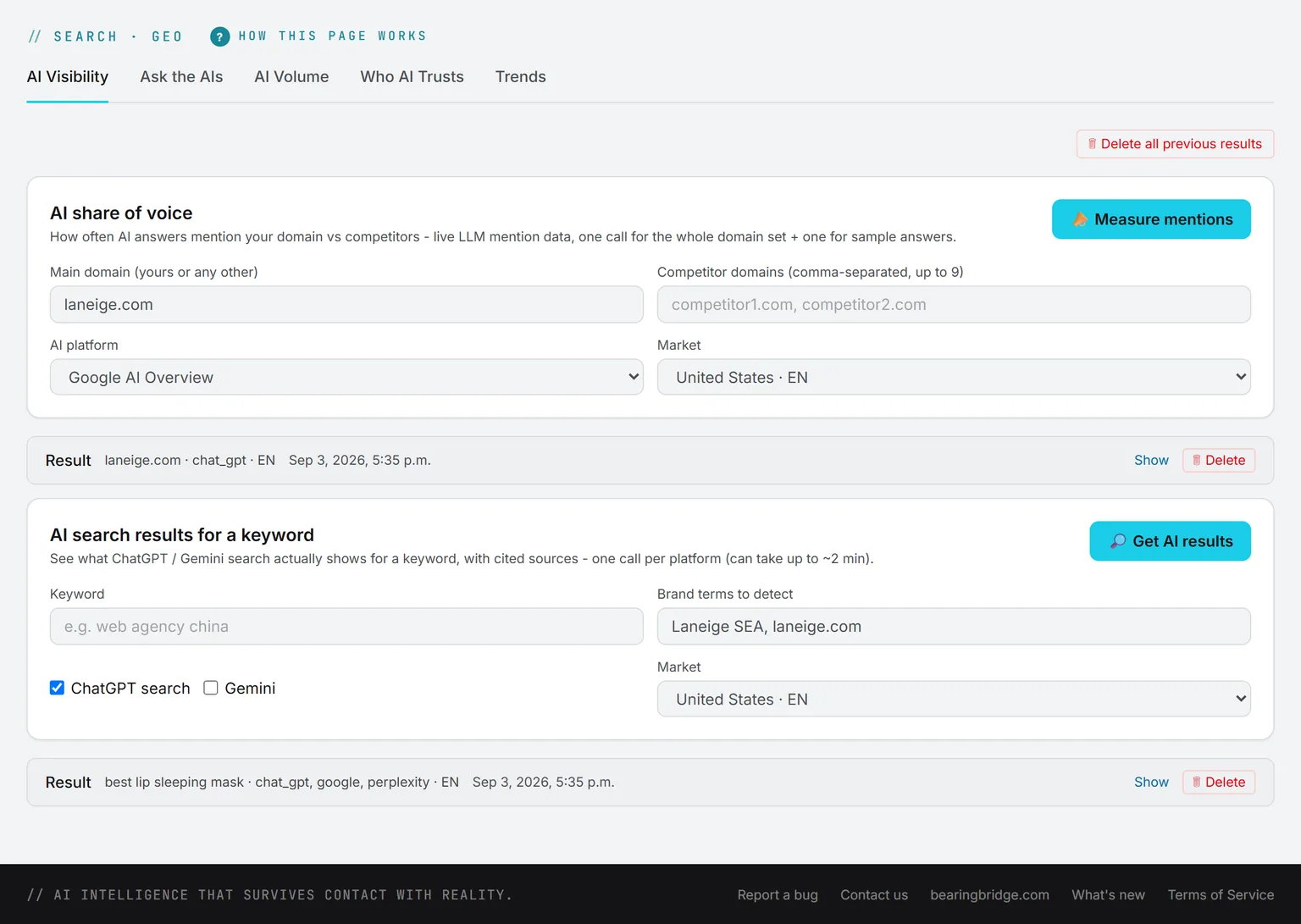
See the page →It covers a newer habit: asking an assistant instead of searching. The GEO tabs show how often ChatGPT or Google’s AI Overviews mention your domain next to competitors, and which sites the assistants cite most on your topic.
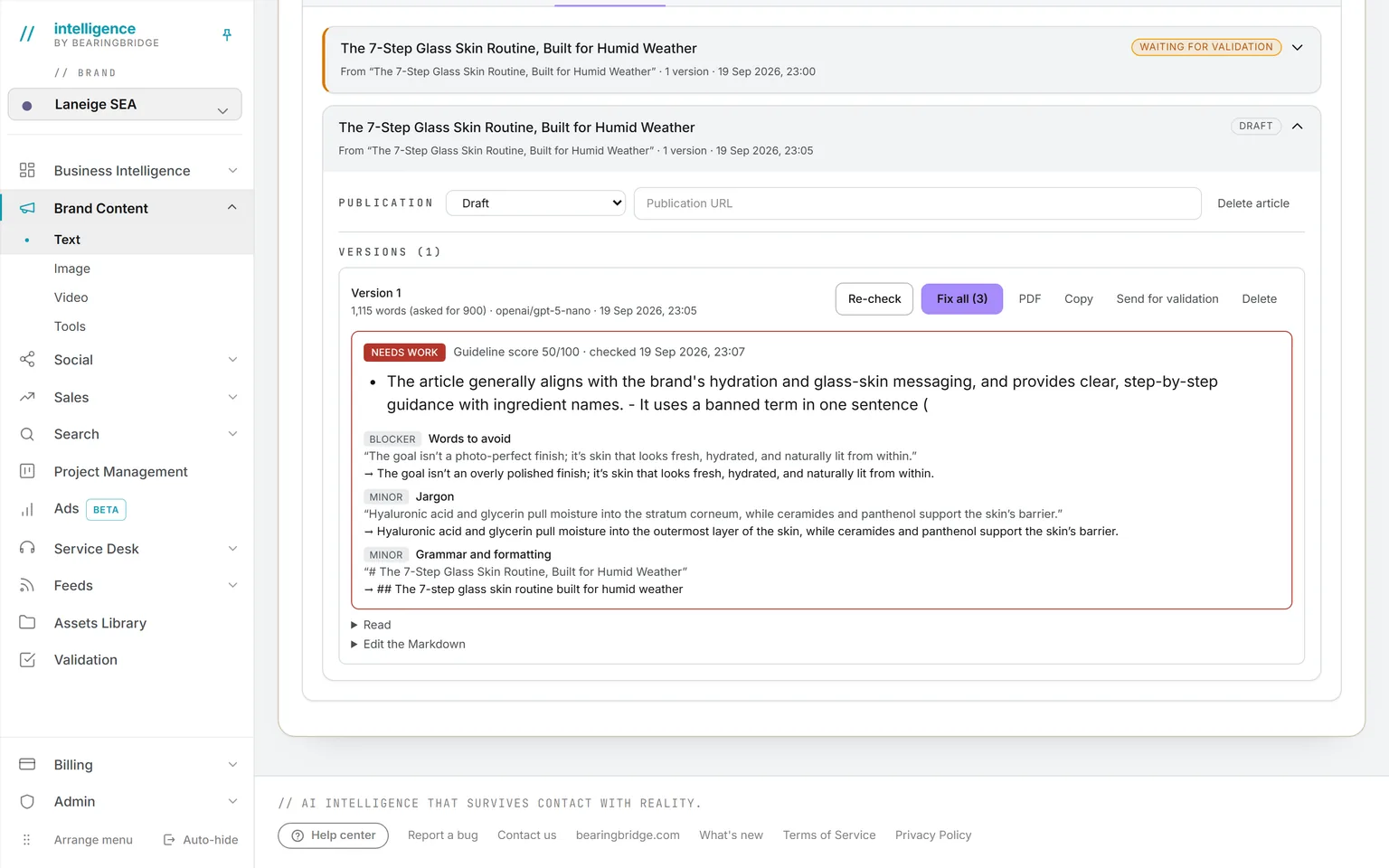
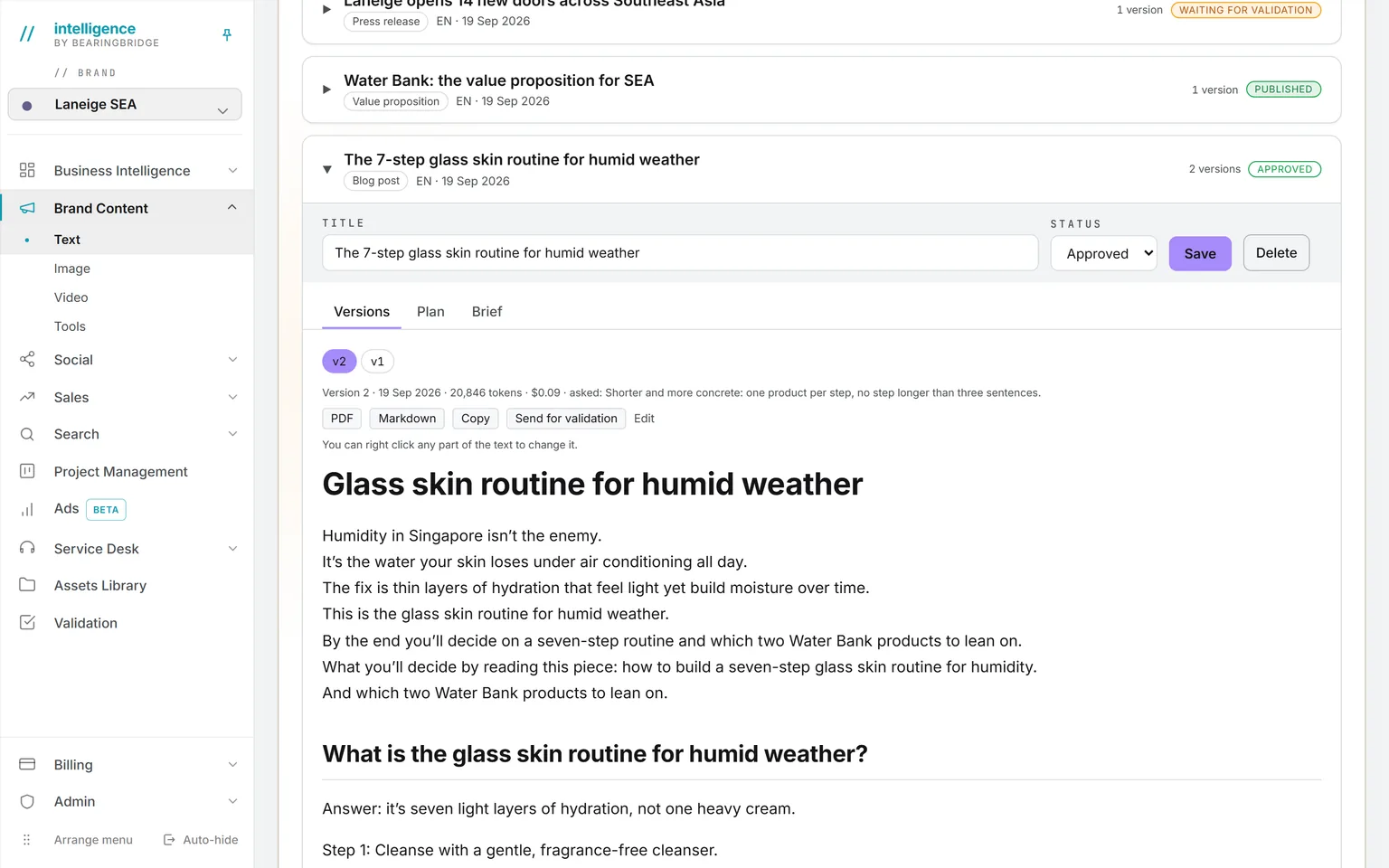
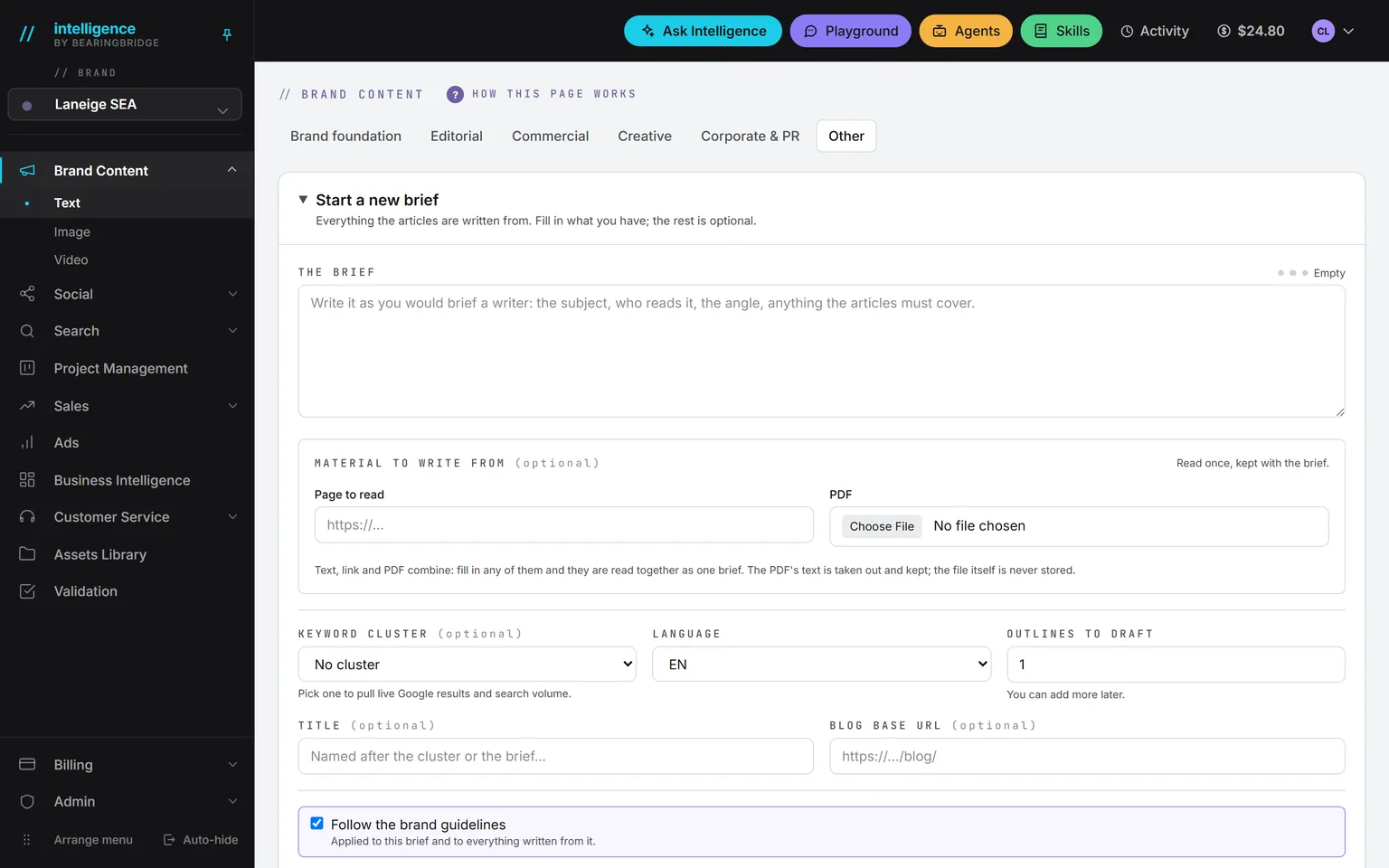
See the page →It drafts the pages. Commercial formats include the landing page, the service page, the pricing page, the product description, and the comparison page. There’s also an about page and an FAQ. Tell it which page the text will run on, and that page gets read for its shape before writing starts.
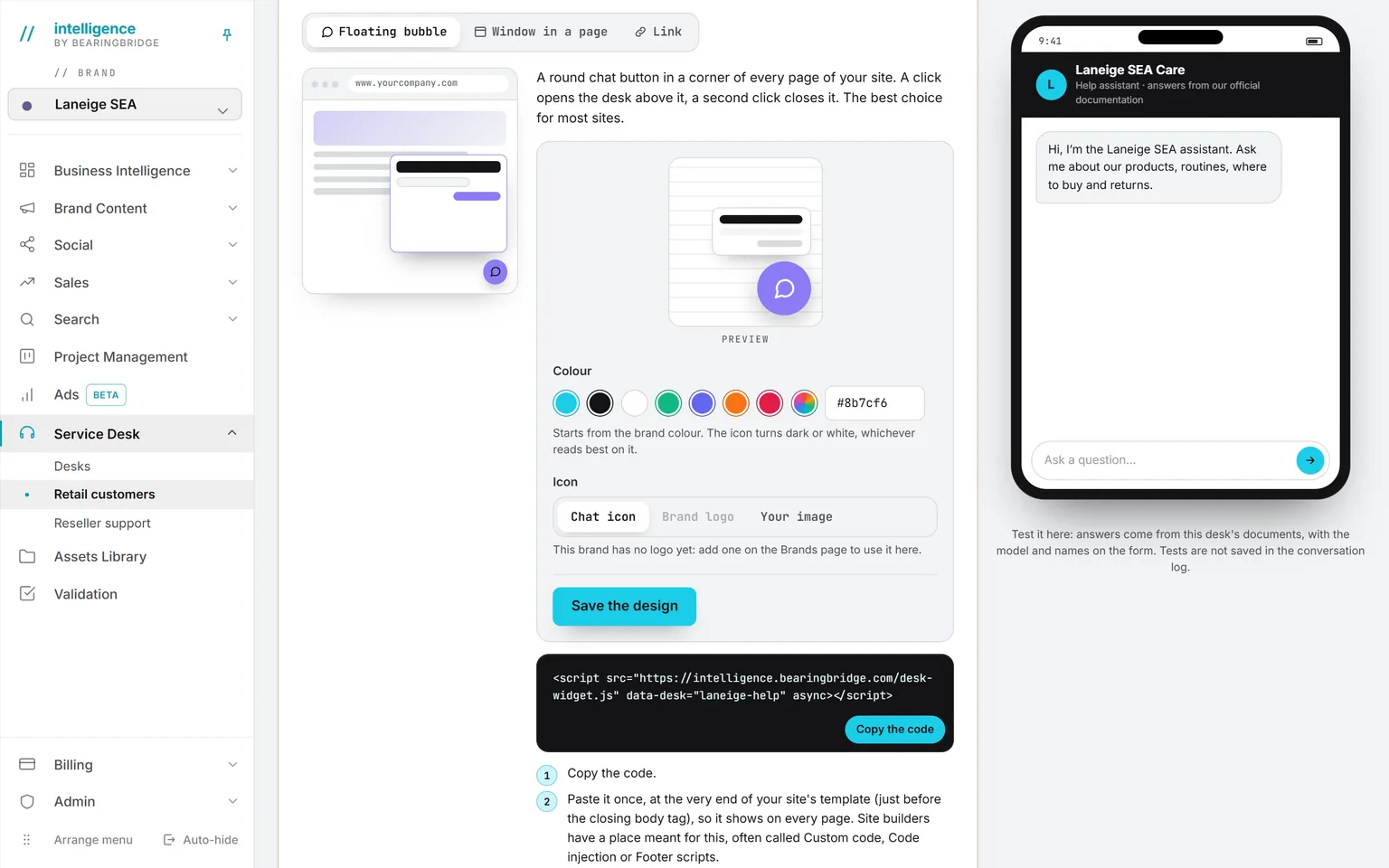
See the page →It takes the visitors’ questions. One pasted line puts an assistant on the site. It answers from your documents only. No cookie is set, and nothing loads until the visitor’s first click, so it won’t slow your pages.
See the page →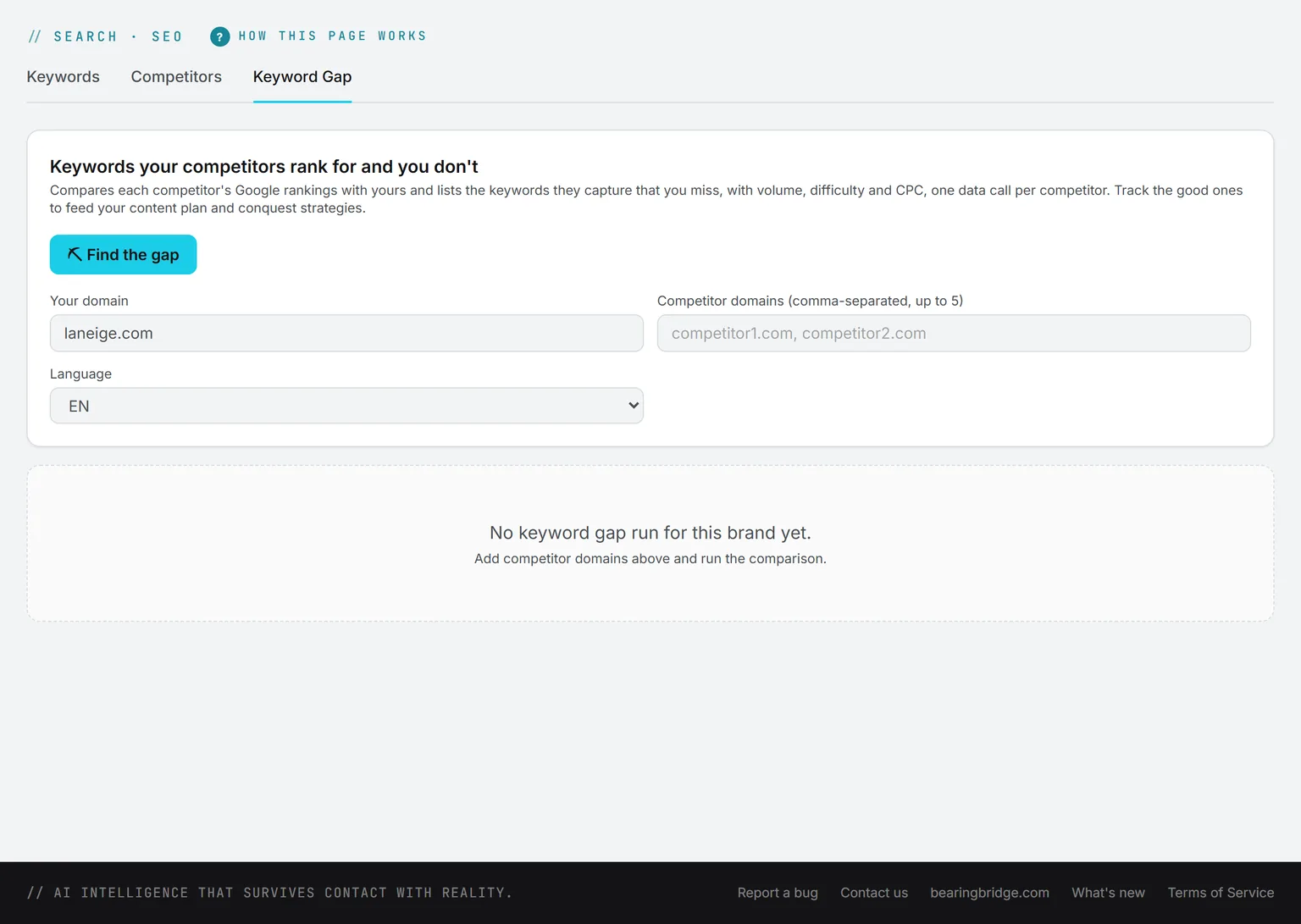
SearchHover to pause
If the site runs paid traffic, the Ads builder uses the same keyword list, another reason to set up Search first. An ad group with no page can start its landing page brief from one of its keywords.
Practical examples from a web manager’s week.
The pieces fit together like this.
Now showingAn afternoon
An afternoon
A service page that doesn’t rank
In Search, check where the page’s keywords stand. Run the gap against the two competitors above you, and pick the terms worth going after.
In Brand Content, open the service page format. Give it those keywords and the current page address, and draft a new version. Send the draft through Validation, then paste it into your CMS.
Every week
A blog that feeds the site
Open the article workspace and pick a keyword group as the brief. Ask for three outlines and validate the one you like. Draft from it. The guideline check scores the draft and fixes what’s wrong in one click.
Export Markdown for the CMS, or a branded PDF. Each keyword group in Search then shows where its articles stand.
Before you upload
Pictures that are safe to publish
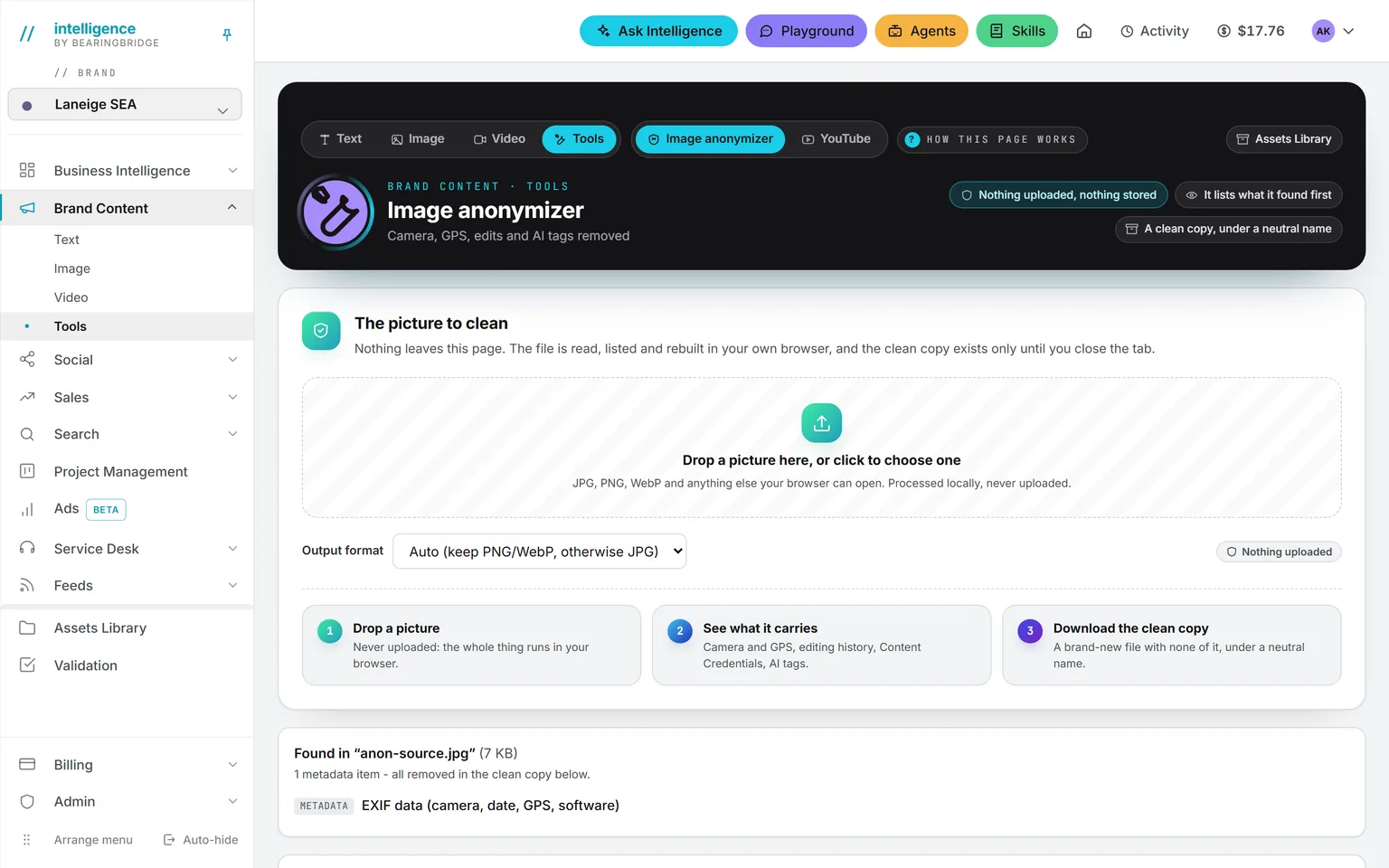
The image studio renders a hero image, the big picture at the top of a page. A photo from a phone needs one more step, because the file holds more than the picture.
Open the anonymizer first. It lists the camera, GPS, and editing history the file carries, then rebuilds a clean file. The tool runs in your browser and uploads nothing.
Questions worth typing into Ask Intelligence.
Pick a question, or watch them go by
Which keywords lost ground since the last check?
The answer to the last one tells you which pages your site is still missing.
Let the watchers do the checking.
A watcher is a check that runs on a schedule. Ask your administrator to switch on the search rankings watcher. About once a day it checks your keywords and flags entries to page one, exits, and drops of three places or more. One-place wobbles are ignored. The AI visibility watcher does the same, about every two days, for what the assistants say. One click turns a finding into a task on the board.
There’s no subscription. You pay for the runs, and each one prints what it cost. The image studio shows its price before the run. The rest is on pricing.
If nobody runs your website.
Vacancy
- Position
- Web manager
- Held by
- Nobody yet
- Covered by
- Intelligence
- Needs
- An hour or two a week
Start with the first-week list below. After that, the weekly routine is short.
The platform takes
- Checking the ranks, about once a day.
- Drafting the pages and the articles.
- Answering visitors from your documents.
- Listing the questions the desk couldn’t answer.
A person keeps
- Reading the watcher’s findings.
- Publishing one article a week.
- Pasting the text into the CMS. You’ll still need someone for that.
Your first week.
0of 5 done
Tick a step when it’s done. Your ticks stay in this browser.
The limits.
Read these before you start.
Nothing publishes itself from Brand Content. There’s no push to your CMS.
Ranks come from Google only.
Each keyword keeps its latest check per market. There’s no rank history chart yet.
GEO runs in the brand’s main market, in English or French.
A data run in Search has no price quote before it starts. The cost prints on the receipt when it ends.
The desk answers on your website and on its own page, not on WhatsApp or social.
Checked against the product on September 20, 2026. The catalog lists every agent as built, partial, or not built. Usage is paid from a prepaid wallet, with no seat fee, and the rates are on the pricing page.
Load your keywords. Know where you stand by tonight.
Open an account, give the wizard your website, and validate the first keyword groups.
No subscription. No seat fee. No card needed to open an account.