




Modules / Ads
Your ad accounts, read live, and changed only when you say so.
Each person connects their own Google Ads and LinkedIn Ads accounts. Every page reads them live: a dashboard per network, the campaigns to change from here after a check, AI keyword research and suggestions for Google Ads, and the LinkedIn Ad Library for what others run.
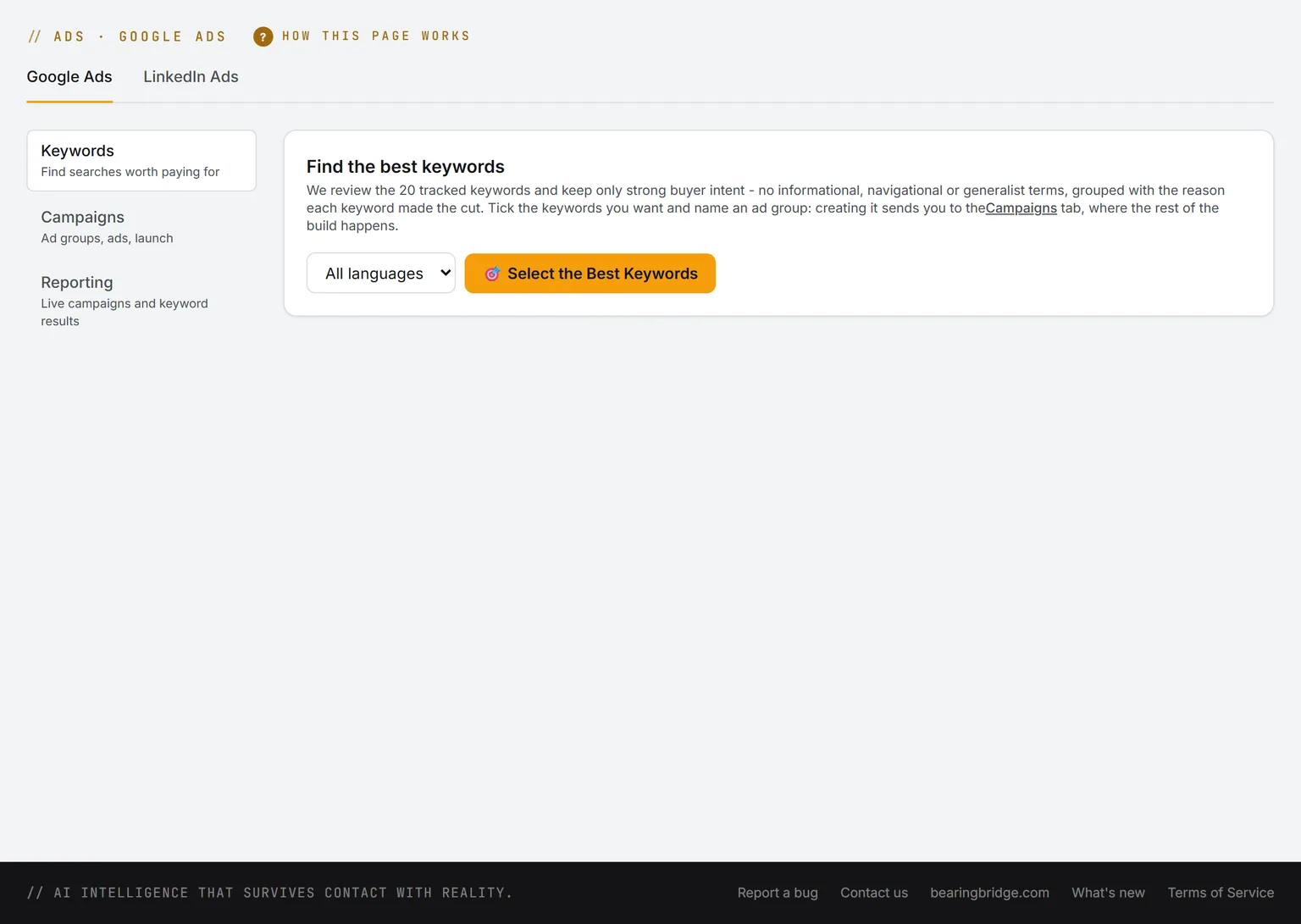
Demo workspace. Invented brand and figures.
Four tabs, each read live from your own account.
Dashboard
How the account is doing
Cost, conversions, cost per conversion, clicks, click rate and impression share over 7, 14, 30 or 90 days, each against the period before.
Campaigns
Change anything, then apply
Campaigns, ad groups, keywords, negative keywords and ads: create, edit, pause or remove. Google checks each change before you apply it.
Keywords
Searches worth paying for
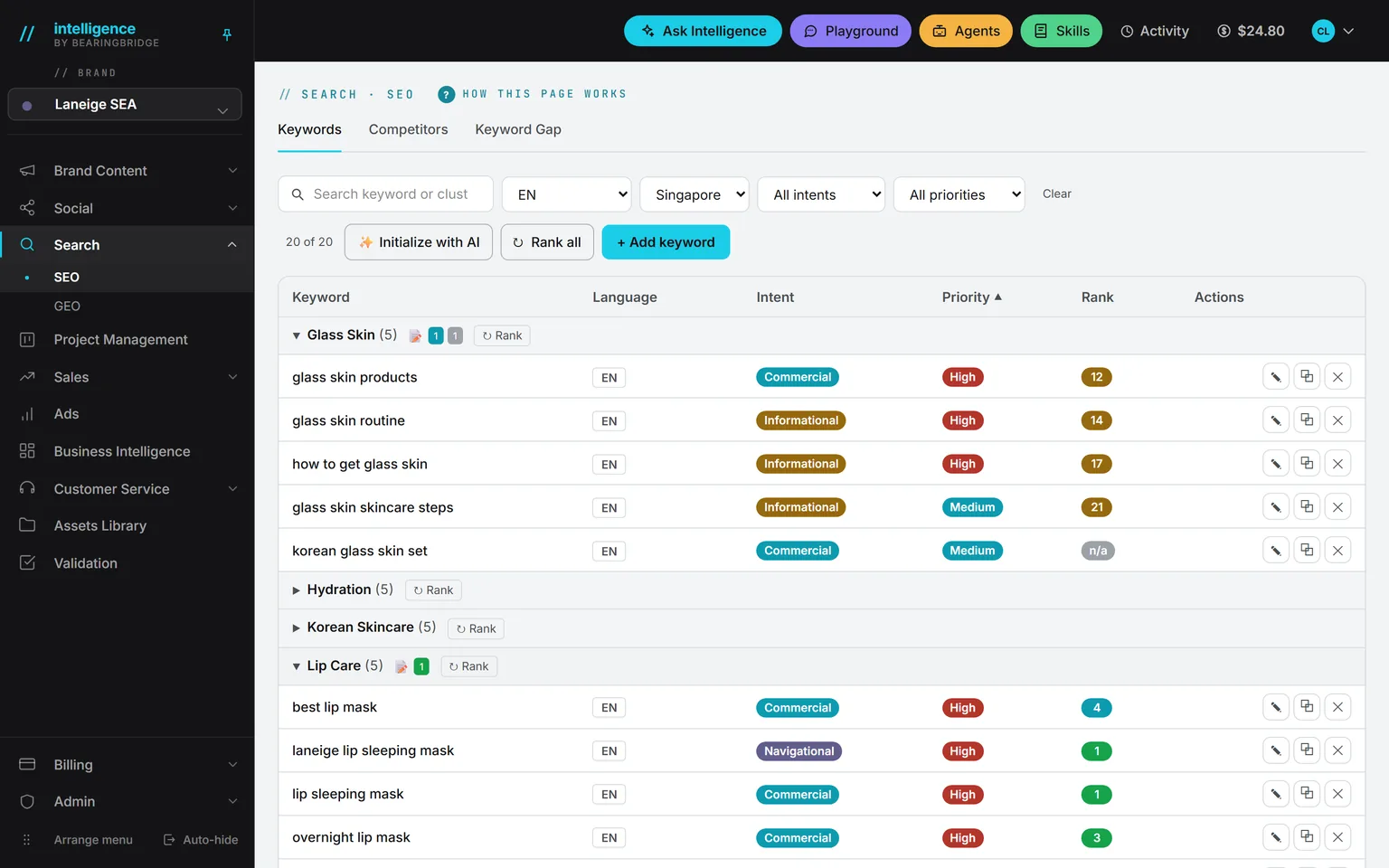
Your keyword pool, sorted by the AI into ad groups of buying searches, then sent to Google Ads in one step.
Suggestions
What to fix first
Checks that paid search specialists run by hand, run by plain code on your live figures, with a fix you can apply.
Google Ads is a personal connection. Each person signs in on My Connections, in the card Your advertising accounts, with the Google login that already reaches their Google Ads accounts, then ticks the ones they manage. Several Google logins are fine, and a picker in the page header switches the account in use.
Every call goes out with that person’s own access, so Google decides what each of them may see and change. Until an account is connected, Dashboard, Campaigns and Suggestions show the three steps on this screen. Keywords works already: only sending an ad group to Google Ads needs the account.
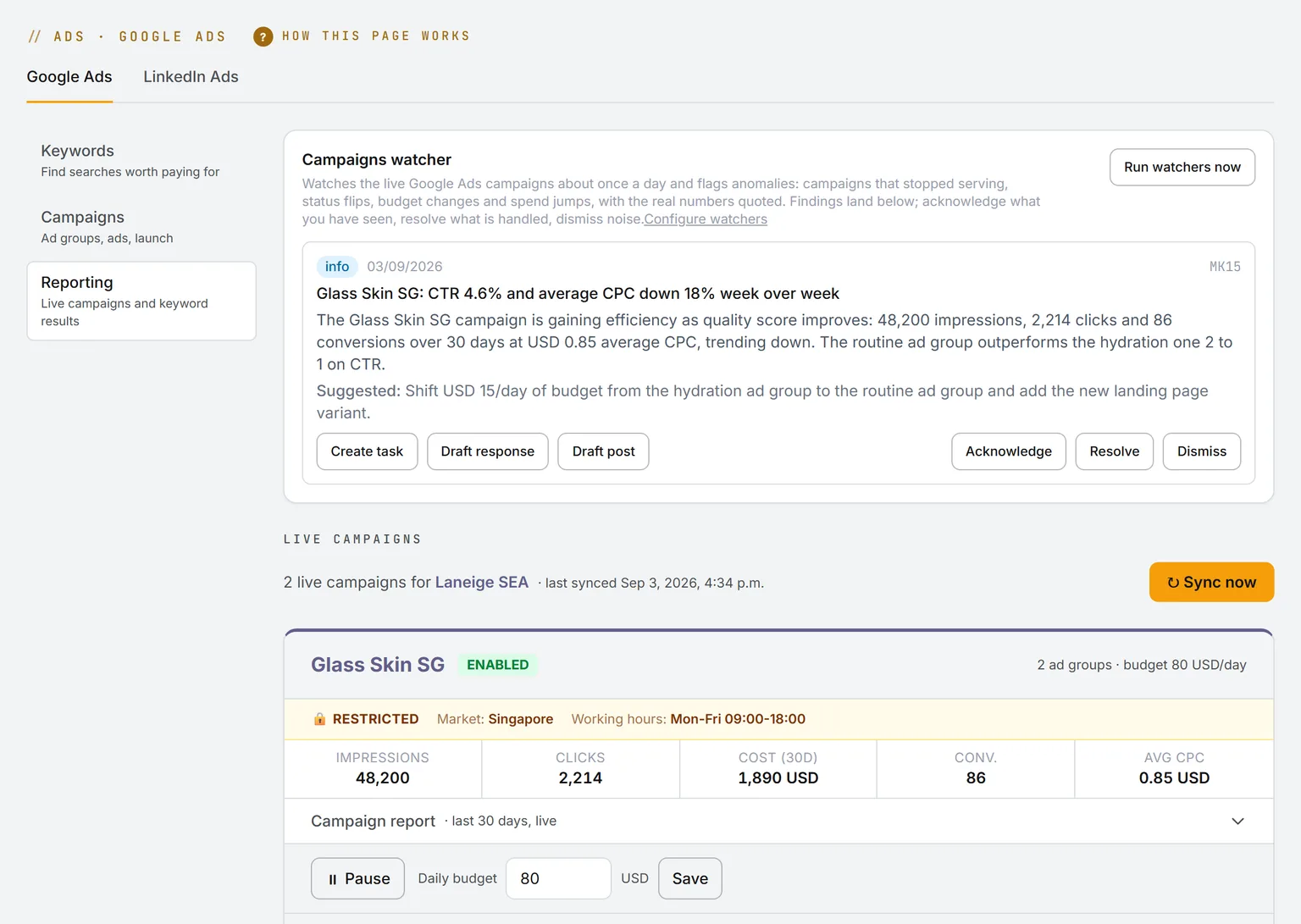
Screens from the demo workspace, which has no ad account connected. The live Dashboard, Campaigns and Suggestions aren’t shown here.
Four jobs the AI takes off the ad manager’s desk.
AI Finding
It adds Google’s monthly searches and click prices to your pool, keeps the people ready to buy, hire or ask for a quote, and builds ad groups of 3 to 20 keywords. Every keyword left out is listed with its reason.
Ad copy per group
Fifteen headlines and four descriptions, written from the group’s keywords and its landing page, cut to Google’s 30- and 90-character limits. Rewrite, add or remove any of them before the ad goes up.
A plan over the suggestions
The AI reads the suggestions and says, in plain words, what to do first and why. It adds no suggestion of its own and changes nothing.
The model that writes
You pick which model writes, among those your organization allows. Each run shows what it cost.
The AI never invents a keyword and changes nothing in your account by itself. Each run shows its price when it comes back. The rates are on the pricing page.
Google checks every change before it’s made.
A change made on Campaigns, Keywords or Suggestions first goes to Google as a check that executes nothing. The confirmation shows that check, and only Apply in Google Ads makes the change. Changes sent together go up in one call: if Google refuses one part, none of it is made.
A new campaign starts paused, with its budget, its bidding (manual click bids, maximize clicks, maximize conversions or a target cost per conversion), its markets and its languages. Nothing spends until someone switches it on. Removing is final: Google keeps a removed item in its history, but it can’t be switched on again.
Nothing is kept on our side but a short copy of the last read. What you see is what runs on Google, and a change made in the Google Ads console shows up the next time the page reads the account.
Who may change things follows the role grid: a person whose role only reads Ads sees the same pages without the switches.
What the account is doing, and what to fix first.
The Dashboard says how the account is doing. Suggestions says what to change.
Every figure is read from the account when the page opens and kept ten minutes; Refresh reads again. Periods end yesterday. The page adds the day by day chart, the month’s budget against what the daily budgets allow, the campaigns that moved most, and every campaign with its figures.
Plain rules on your own figures flag what costs money now: conversions that stopped, disapproved ads, bidding that is misconfigured, a good campaign held back by its budget, spend that jumped yesterday. Nothing is changed for you.
Searches that spend without results, words that keep bringing useless clicks, negative keywords that block your own keywords, costly keywords Google rates poorly, ads missing lines, broken landing pages, and more. Each one says what was seen, the money at stake a month, and how sure it is: Safe, Review first, or Test carefully.
The suggestions are rules, not opinions of the AI. Their thresholds follow the account’s own cost per conversion, and measurement comes first: while conversions aren’t tracked, nothing that moves money is proposed.
When the fix is a change Google Ads accepts, one click has Google check it and a confirmation applies it. The account gets a health score out of 100, and the list can be narrowed to what’s urgent, wasted money, growth, quality or structure.
Your LinkedIn campaigns, live, and the public library.
Your LinkedIn campaigns connect the same way: your own LinkedIn login, the ad accounts you tick, a picker in the header. The Dashboard reads spend, results (conversions on your site plus leads from LinkedIn forms), cost per result, clicks and impressions against the period before.
On Campaigns, switch campaign groups, campaigns and ads on or off, and change a campaign’s daily budget, bid, name or end date. Each change is confirmed against what LinkedIn holds right now, and changing needs a LinkedIn role of campaign manager or above.
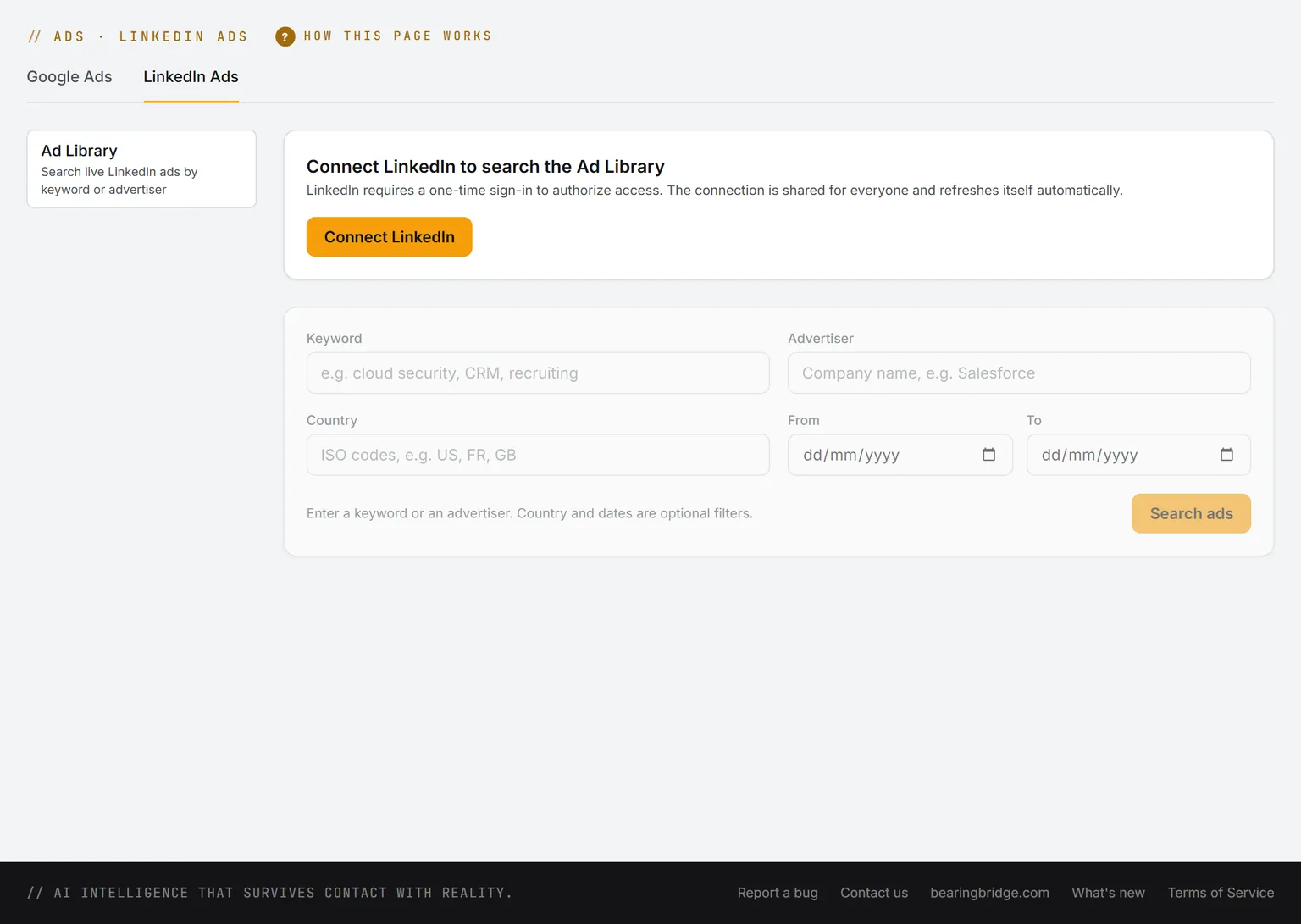
The Ad Library is different: it runs on one shared connection that an administrator authorizes once with a LinkedIn sign-in, and it refreshes itself after that. It searches LinkedIn’s public record by keyword or advertiser, country and dates: who ran each ad and who paid, its run dates, and the impressions and targeting LinkedIn discloses for ads shown in the EU. Ask Intelligence answers questions about your LinkedIn ads from the same live account.
The same data, one door over.
Nothing here is an integration. These run on the same account, the same brand, the same ledger, so a finding on one page becomes work on the next.
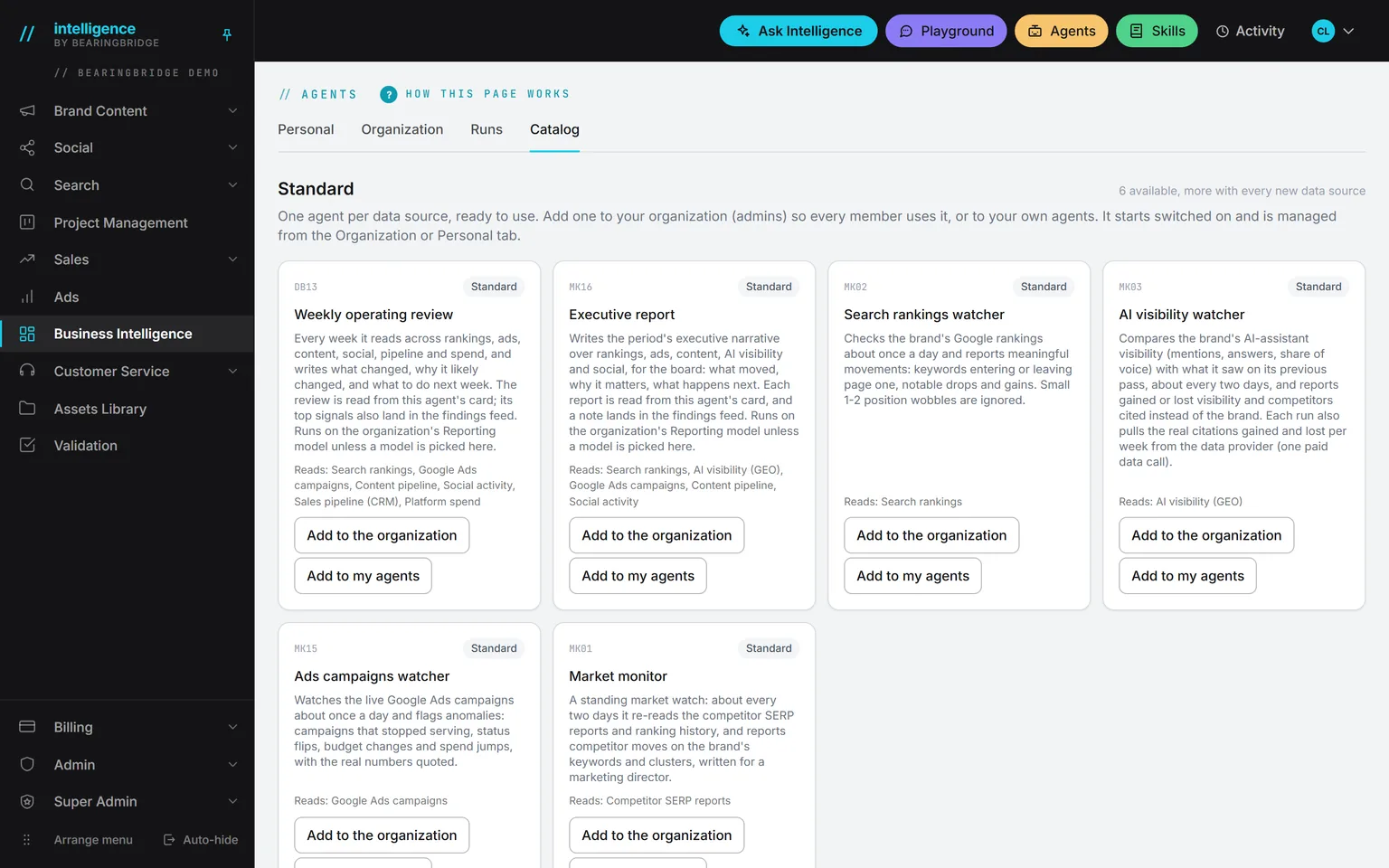
 AgentsWhere the LinkedIn Ads watcher is switched on, in your own agents: about once a day it compares the last 7 days with the 7 before.
 Brand ContentLanding Pages drafts the brief for the page a paid click lands on, starting from one keyword.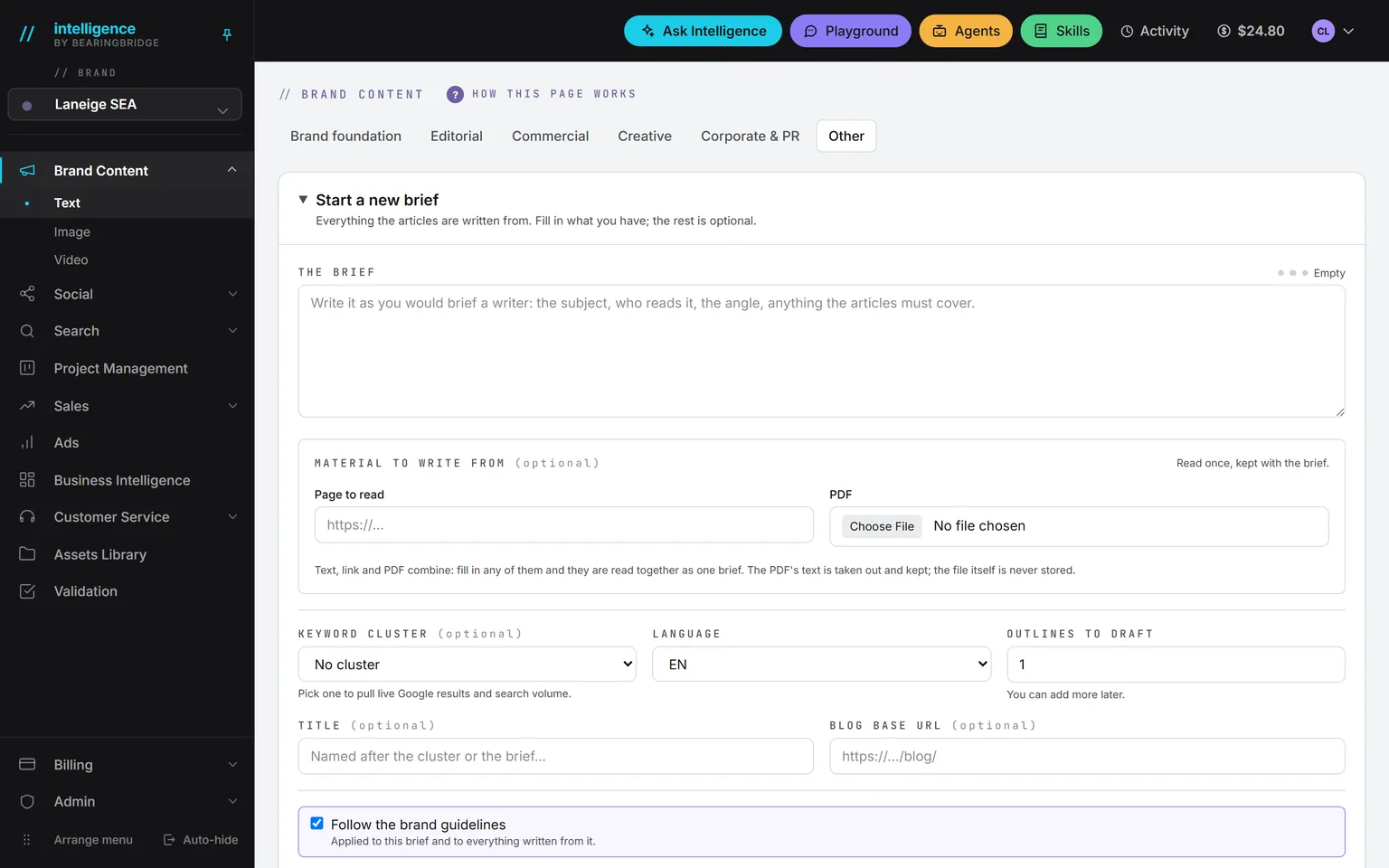
Not built yet, said first
- Google Ads campaigns created here are Search campaigns. Other kinds, such as Performance Max, Shopping, Display and YouTube, show with their figures and are managed in Google Ads itself.
- Conversion tracking isn’t set up from here. The suggestions check it first and propose nothing that moves money while conversions aren’t tracked.
- A new LinkedIn campaign is created as a draft: its ads are added in LinkedIn Campaign Manager, then it’s switched on here.
- LinkedIn’s Ad Library gives who ran an ad, when, and its reach, but not its text or picture: each card opens the ad on LinkedIn.
- Meta Ads (Facebook and Instagram) is in Beta: the menu entry is there, but a Meta ad account can’t be connected yet.
- There’s no support for Microsoft Advertising.
The catalog lists every agent as built, partial, or not built. Checked against the product on October 4, 2026.
Usage is paid from a prepaid wallet, with no seat fee. The rates are on the pricing page.
Connect your own account, then decide what changes.
Switch on Ads, connect your Google Ads or LinkedIn Ads account on My Connections, and tick the accounts you manage. Nothing changes in them until you apply it.
No subscription. No seat fee. No card needed to open an account.